Accounts payable becomes difficult because of multiple small tasks that are involved to process any invoice.
When an invoice arrives in a mailbox, it needs to be downloaded, vendor is checked, and then the details are added into the ERP to find the purchase order, quantity is compared alongside prices with receipt follow ups, and then it is sent to the right person for approval.
When there are multiple such invoices, the work adds up quick.
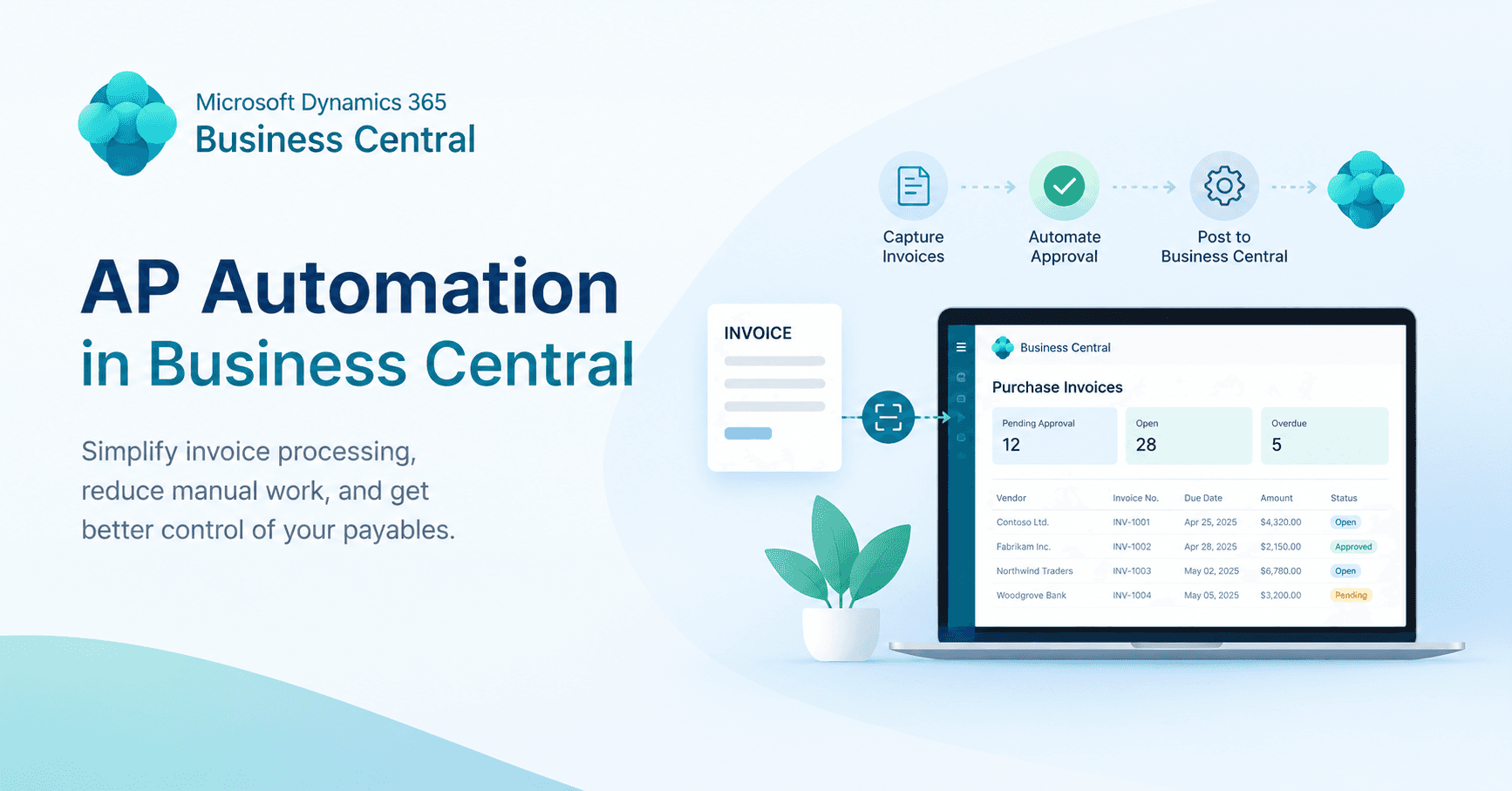
And that is exactly where AP automation for Business Central can make a significant difference. Instead of treating invoice processing as a series of disconnected administrative tasks, automation connects invoice capture, data extraction, validation, matching, approvals, and posting into a more structured process.
However, the important point is that Business Central automation does not refer to any single feature or product, it depends on the organisational requirements, automation may involve Business Central workflows, Microsoft’s Payables Agent, Power Automate, an AppSource extension, or a dedicated third-party AP platform.
What Is AP Automation?
Accounts payable automation uses software to reduce the manual work involved in processing supplier invoices, which includes capturing an invoice, extracting its information, validating the data, matching it with purchase orders and receipts, routing it for approval, and preparing it for posting.
Consider a supplier sending a $4,200 invoice by email. Instead of an employee manually copying the invoice number, vendor, amount, tax, and line items into Business Central, an automation tool can extract that information and use existing ERP records to validate it. If the invoice matches the relevant purchase order and receipt, it can move through the process with limited intervention. If something does not match, it can be sent to an employee for review.
How Does AP Automation Work in Business Central?
Business Central remains the system of record for vendors, purchase orders, receipts, dimensions, currencies, payment terms, purchase invoices, and financial posting. The automation layer may sit within Business Central or connect to it through an extension, Microsoft service, or external platform.
This is why AP Automation business central projects can look very different from one organisation to another. A company receiving mostly purchase-order invoices may need a relatively simple workflow, while another dealing with non-PO invoices, multiple entities, different currencies, and several approval levels may need a much broader solution.
A well-designed AP Automation for dynamics 365 business central setup should therefore do more than extract invoice data. It should work with the information already maintained in Business Central and preserve visibility as an invoice moves through the process.
What Can Business Central Automate Natively?
Business Central already provides a strong foundation for accounts payable. Standard functionality covers purchase orders, receipts, vendor records, payment terms, purchase invoices, posting, notifications, and approval workflows.
Workflow templates can automate actions based on predefined conditions. Power Automate can extend those capabilities when a process needs additional routing, notifications, or integration with other Microsoft services.
There is an important limitation, though. Traditional workflows generally work with information that already exists in the system. They do not automatically turn a PDF invoice sitting in an inbox into a complete purchase invoice.
That is where additional automation comes in.
Depending on the requirement, businesses can use Microsoft’s Payables Agent, an AppSource extension, or a third-party AP platform for invoice capture and extraction. These tools may also provide capabilities such as OCR, classification, duplicate detection, non-PO invoice processing, exception management, and supplier communication.
In other words, accounts payable automation for business central is often a combination of native ERP functionality and an automation layer rather than a single switch that turns AP fully automated.
Where Does AI Fit into AP Automation?
AI is becoming an increasingly important part of business central ai automation, but it is worth separating AI from ordinary workflow automation.
A workflow can be programmed to send an invoice to a manager whenever its value exceeds a particular threshold. AI, by comparison, can interpret information from an invoice, identify likely vendors, classify data, or suggest a purchase order match.
A typical AP environment may therefore contain several technologies working together:
- Workflow rules handle routing, notifications, and approvals.
- OCR and document intelligence extract information from invoices.
- Machine learning can classify documents and identify likely matches.
- Generative AI can assist users with specific tasks and recommendations.
This distinction becomes particularly important when evaluating ai automation for business central. AI does not remove the need for controls. Poor-quality scans, incomplete vendor records, unusual invoices, and incorrect model suggestions still require human review.
For finance teams, the goal should not be to remove people from AP. It should rather be to remove unnecessary manual work while keeping people responsible for exceptions, controls, and financial decisions.
What Does Microsoft Copilot Do for Accounts Payable?
Microsoft’s Payables Agent is one of the more significant developments in Microsoft copilot for business central automation.
The agent can monitor a designated mailbox, process PDF invoice attachments, extract invoice information using Azure Document Intelligence, identify the supplier, and suggest invoice details. It can also propose matches between invoice lines and purchase order lines.
Business Central then performs the relevant validation, while a user reviews the resulting draft before it is posted.
That makes the Payables Agent useful, but it should not be confused with an autonomous AP department.
Microsoft’s documented limitations are important when assessing whether it fits a particular business. The agent does not currently handle approval flows or anomaly detection, does not post invoices automatically, and has limitations around file size, page count, daily processing volumes, and language support. Usage also consumes Copilot Credits, and new vendors may require human intervention before they can be used normally.
These details matter because ai automation in business central erp needs to be evaluated against the actual AP environment. A business processing straightforward English PDF invoices may find the agent highly useful. A finance team handling large volumes of scanned, multilingual, non-PO, or highly complex invoices may still need additional tooling.
What Are the Benefits of AP Automation for Business Central?
The biggest benefit is not simply that invoices are processed faster. It is that finance teams spend less time moving information between systems and more time dealing with the exceptions that require judgement.
With business central accounts payable automation, invoice data can be transferred digitally instead of being manually re-entered. Matching can identify discrepancies earlier. Approval routing can replace long email chains. And invoice status becomes easier to track because the process is connected to the ERP.
The practical benefits typically include:
- Less manual data entry: Staff spend more time checking extracted information and less time typing invoice details.
- Faster approvals: Rule-based routing can send invoices to the appropriate approver without relying on someone to forward an email manually.
- Better visibility: Finance teams can see where invoices are sitting and identify approval or processing bottlenecks.
- Fewer avoidable errors: Validation against vendor, purchase order, and receipt information reduces the risk associated with repetitive rekeying.
- Stronger audit trails: Approval history and invoice activity can be recorded consistently instead of being spread across emails and spreadsheets.
- Earlier exception handling: Price, quantity, missing receipt, or duplicate issues can be surfaced before they become month-end problems.
|
Process |
Manual AP |
Automated AP |
|
Data entry |
Manually rekeyed |
Digitally extracted and reviewed |
|
PO matching |
Manual comparison |
Suggested matches and exceptions |
|
Approval |
Email-based follow-up |
Rule-based routing |
|
Exceptions |
Often found later |
Flagged during processing |
|
Audit trail |
Spread across systems |
Recorded within the workflow |
How Do You Implement AP Automation in Business Central?
Successful automation starts before a company chooses a tool.
First, map the current AP process. Look at invoice volumes, processing time, exception rates, approval delays, PO coverage, and the types of invoices employees handle most often.
Next, review the existing Business Central setup. Vendor records, dimensions, posting groups, purchasing processes, approval workflows, and receiving practices can all affect how well automation performs.
Then define the actual requirements. For example, does the business need PO matching? Can it process non-PO invoices? Are duplicate invoices a recurring problem? Does it operate across multiple entities or currencies? How many approval levels are required?
Only after that should the team compare native functionality, the Payables Agent, extensions, third-party platforms, or custom integrations.
Testing should also reflect real-world exceptions rather than just successful invoices. Include partial receipts, quantity mismatches, price differences, duplicate invoices, missing information, non-PO invoices, and multi-level approvals.
That approach is especially important for dynamics 365 business central automation because automation will generally reproduce the underlying process. If the purchasing or approval process is poorly structured today, automating it may simply make a poor process run faster.
Which AP automation should be used in a Business Central?
The most successful AP Automation for business central is not the same for everyone.
This is largely dependent on the number of invoices created, percentage of PO vs non-PO invoices, the number of legal entities, currencies and tax conditions, approval process complexity, existing Microsoft infrastructure, and budget.
If you're looking for options, don't just consider invoice extraction. See how seamlessly the solution can integrate with Business Central, how easy it is to handle incoming orders and dimensions, what happens in low confidence scenarios, if there is duplicate detection, how exceptions are handled, what reporting options are available and how licensing scales with volume of invoices.
The Payables Agent and Power Automate might be a good starting point for organisations that have already significantly invested in Microsoft tools. Others might require a dedicated AP platform with more capability.
It's for this reason that one should test the dynamics business central AP Automation using the company's own invoices and workflows, instead of a generic product demonstration.
Does AP Automation make sense?
When accounts payable are a painstakingly manual task, for many growing finance teams, the clear ROI of accounts payable automation business central will be easily realized.
There isn't a specific invoice count where you go that automation becomes profitable. Rather, focus on the warning signs that are just happening down in the trenches: employees spending long hours on data entry, approvals regularly being delayed, lots of exceptions on invoices, challenges getting visibility on what is done on invoices, or increasing pressure on the AP team during month-end.
The calculation of the cost should not only include the cost of the software but should also take into consideration other costs. Implementation, Integration, Process redesign, Training, Adoption, Support and continued use have an impact on the total investment.
Frequently Asked Questions
What is AP automation for Business Central?
AP automation integrates invoice capture, extraction, validation, matching, approval and posting workflows into Business Central. The native capabilities are dependent on whether the organisation is employing native functionality, Microsoft's Payables Agent, an extension or a third-party platform.
Is Business Central able to automate accounts payable?
Yes, partly. Business Central offers purchasing, vendor, approval, workflow and posting capabilities. Mostly, invoice capture and document extraction involve extra features.
How does AP automation work with Dynamics 365 Business Central?
Data from the invoice is extracted and matched with the data in Business Central and a draft purchase invoice is proposed. Approval and posting are then followed by the process that was set up.
Will AP automation work with non-PO invoices?
Although many AP solutions can handle non-PO invoices, automation varies in the extent. Shortlist the solution and test how it manages issues like account coding, dimensions, approvals, and exceptions.
Is Microsoft Copilot an automated A/P solution?
The Payables Agent automates specific payables processing activities, such as extracting data from email sent PDF invoices and recommending purchase order matches. It is not available to automate the entire AP cycle or to post invoices automatically currently.
What should be the optimal AP automation in Business Central?
It is dependent on an organization's invoice volume, PO coverage, approval process, entities, currencies, requirements and budget. The ideal solution is one that addresses the company's real AP circumstances without adding undue complexity. For businesses comparing the best AP Automation for business central, these factors should guide the evaluation.
Make the right AP Automation Decision
The first step towards Dynamics 365 Business Central AP automation is to understand the current invoice processing process within your finance team.
Business Central workflows may be enough for businesses with relatively straightforward AP processes. Others may need solutions such as the Payables Agent, Power Automate, an AppSource solution, or a dedicated AP platform, depending on their requirements. The right choice depends on how well the technology fits the existing AP process and the level of automation the business needs.
Business Central Partner can analyze your existing AP process to identify gaps or inefficiencies, determine possible automation solutions, and assess how they can integrate with your current ERP system.