Construction profitability is determined at the job level. A contractor managing multiple active projects must reconcile labour, materials, equipment, subcontractor invoices, overhead allocations, and change orders against budgets that are revised throughout the life of each job. When this data is distributed across accounting software, spreadsheets, and project management systems, reporting lags, variances are identified after the opportunity to respond has passed, and true project profitability is confirmed only at closeout.
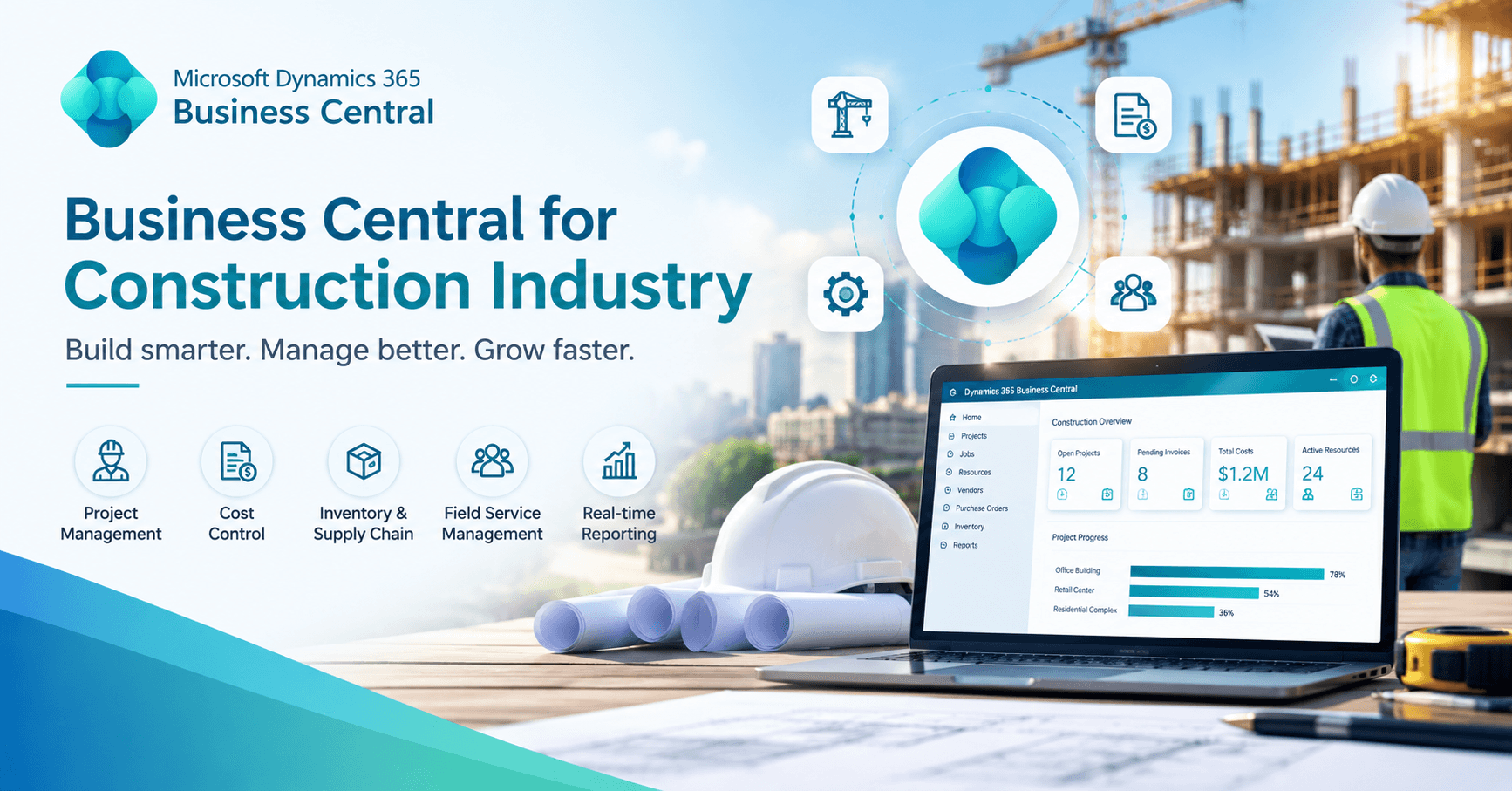
Microsoft Dynamics 365 Business Central for construction offers a way to consolidate project-level financial activity and general accounting in one system. This article examines how Business Central for construction industry use supports project costing and budget control, where additional tools are required, and what should be resolved before implementation.
What Is Business Central for Construction Industry Use?
Business Central is Microsoft's cloud ERP for small and midsize businesses, covering financial management, purchasing, sales, inventory, and project management, with connections to Microsoft 365 and Power BI. It is not a construction-specific ERP. Its native project functionality, labelled "jobs" in earlier versions and "projects" in recent interfaces, serves job-based businesses generally.
Certain construction processes typically require extensions, third-party applications, integrations, or partner-led customization. These include AIA-style pay applications, retainage, certified payroll, lien waiver tracking, and detailed subcontract management. An accurate evaluation of Dynamics 365 Business Central for construction separates native functionality from what must be added.
Why is Construction Project Costing Difficult?
Construction cost data originates from many sources with different timing. Labor arrives through timesheets, frequently late. Materials come from purchase orders, direct deliveries, and company cards. Equipment may be owned, rented, or internally charged. Subcontractors bill against contracts that change with each approved change order. Overhead allocation methods affect apparent job profitability, and budgets are revised as scope shifts.
Disconnected systems compound the problem. Reconciling purchase orders, time entries, and ledger balances by spreadsheet takes days, introduces version-control risk, and produces conflicting figures for the same job. The result is delayed financial reporting and reduced confidence in project numbers.
Business Central Construction Project Costing: How It Works
Every cost and revenue item is assigned to a project and, within it, a task. Tasks can mirror phases or cost code groups, and no transaction posts to a project without one.
Budgets are built with project planning lines, which can be typed as budget, billable, or both. Actual costs enter through:
- Labor: project journals or time sheets carrying project and task data.
- Materials: inventory consumed against a project or purchased for it.
- Purchases: purchase orders and invoices assigned to a project, including subcontractor invoices.
- Other expenses: journals or purchase documents.
Each posting creates project ledger entries linked to the general ledger through posting groups. Costs are recorded once, with the project reference attached, which removes the need for after-the-fact reconciliation between a project tool and the accounting system.
Business Central Job Costing and Actual vs. Budget Tracking
Because budgets and actuals share one project and task structure, they can be compared at the task or project level through project statistics, standard reports, and Power BI dashboards.
The following is a hypothetical, simplified illustration, not a customer result. A contractor holds a $4.0 million medical office build-out with a $3.6 million cost budget, an expected margin of 10 percent, and the job is approximately 60 percent complete:
|
Category |
Total budget |
Budget at 60% |
Actual |
Variance |
|
Labor |
$640,000 |
$384,000 |
$421,000 |
+$37,000 |
|
Materials |
$1,150,000 |
$690,000 |
$748,000 |
+$58,000 |
|
Equipment |
$210,000 |
$126,000 |
$131,000 |
+$5,000 |
|
Subcontractors |
$1,300,000 |
$780,000 |
$795,000 |
+$15,000 |
|
Other direct |
$300,000 |
$180,000 |
$176,000 |
–$4,000 |
|
Total |
$3,600,000 |
$2,160,000 |
$2,271,000 |
+$111,000 |
Costs are running about 5 percent ahead of plan. If that pace holds, final cost approaches $3.79 million, and margin falls from roughly $400,000 to about $215,000. No single line appears critical, which is precisely why consolidated comparison matters. Labor and materials account for most of the variance and remain actionable through scheduling, purchasing, or review of unbilled scope changes. The "budget at 60%" figure also depends on a defensible completion measure, which is a process decision.
Using Business Central as a Construction Project Budgeting Software
Recording expenses documents what occurred. Budgeting establishes whether it was planned. With the budget held in planning lines beside the transactions, the system supports:
- Cost planning: Estimates structured by task, entered manually or imported from an estimating system through an integration.
- Budget revisions: Approved change orders adjust planning lines, so a larger scope is not misread as an overrun. Formal change order workflows generally require extensions or custom development.
- Forecasting: Standard functionality compares budget to actual and supports WIP methods. Estimates to complete are commonly handled in Power BI or additional applications.
- Variance and profitability analysis: Review by task, cost type, or project while the job remains open.
Construction Project Financial Management: Connecting Project and Accounting Data
A job can appear profitable while creating a cash constraint. Because project transactions post to the same ledger as all other activity, subcontractor invoices flow into payables, billings into receivables, and WIP entries adjust financial statements. Finance can trace a cash shortfall to specific jobs with slow billing or heavy upfront purchasing.
Business Central does not automatically satisfy every construction accounting requirement. Retainage, AIA billing formats, and prevailing wage reporting usually require extensions or customization, and these gaps should be identified before solution selection.
Business Central as Construction Project Accounting Software
For most prospects, the relevant comparison is between a connected system and the current combination of accounting software and spreadsheets. Construction-specific platforms may include retainage and certified payroll natively. A general platform such as Business Central offers Microsoft ecosystem integration and flexibility for companies with additional business lines but requires more deliberate design for construction workflows. The deciding factors are billing complexity, existing estimating or project tools that must remain, and tolerance for configuration versus predefined industry processes.
How Business Central Helps Identify Project Cost Overruns?
Overruns typically accumulate through small variances. A purchase invoice posted above budgeted cost is visible immediately, allowing the project manager to assess whether other purchases face the same increase. Regularly posted timesheet hours reveal a task running 40 percent over budget at midpoint, while crews can still be reassigned. Subcontractor requests and unexpected site conditions entered promptly appear as costs without matching budget or revenue, signalling that a change order requires pricing.
The software surfaces the data. Scheduled variance reviews, defined escalation thresholds, and timely change order decisions convert that data into control.
Benefits for Construction Companies
- Centralized data: Controllers and project managers work from the same figures.
- Cost visibility: Posted costs reviewed against budgets as they accumulate rather than monthly.
- Profitability analysis: Projected margins on open jobs and completed-job comparisons to estimates, informing future bids.
- Reduced spreadsheet dependence: Fewer files maintained solely for reconciliation.
- Improved reporting: Project activity feeds the ledger directly, supporting lender, surety, and management reporting.
What to Consider Before Implementing Business Central?
Most ERP shortfalls originate in implementation decisions. The following should be resolved first:
- Processes and structures: Current job cost, accrual, and close practices, and how projects, tasks, and phases map to contracts. Overly coarse structures conceal problems; overly granular ones burden field staff.
- Cost codes and reporting: CSI Master Format, a custom set, or a hybrid, and the reports lenders and sureties require.
- Integrations and migration: Which system owns estimating, payroll, and field data, and how open jobs transfer with costs to date and remaining budgets.
- Roles and workflows: Access by role, and approaches to change orders, pay applications, and retainage.
- Customization versus standard functionality: Customization solves specific gaps but can complicate Business Central's regular updates.
- Training, timeline, and support: Adoption depends on users understanding the structure. Timelines vary with scope, and post-go-live support should be planned from the outset.
Why a Business Central Implementation Partner Matters?
A Business Central implementation partner with construction experience contributes at the points where design decisions determine outcomes:
- Discovery: Surfacing requirements around retainage, change order approval, and estimating handoffs. Gaps identified here cost far less than gaps found after go-live.
- Design and configuration: Mapping actual workflows to project structures and posting groups. An error in posting setup can misclassify costs for months before detection.
- Extension selection: Distinguishing what standard functionality covers, what a vetted extension addresses, and what requires custom development.
- Integrations and migration: The phases where projects most often stall.
- Reporting, testing, and training: Building on reliable data, testing against real project scenarios, and supporting the first close cycles.
- Optimization: Refining configuration as users identify improvements.
The partner's function is not software installation. It is ensuring the system reflects how the contractor operates.
Frequently Asked Questions
Is Business Central suitable for construction companies?
Business Central is a general ERP with project, financial, and purchasing functionality. Retainage, AIA billing, and certified payroll often require extensions or customization, so suitability depends on specific requirements.
Can Business Central handle construction job costing?
Yes, at the core level. Costs post to projects and tasks and link to the general ledger. Detailed cost code structures and subcontract management may require add-ons.
Can Business Central track actual costs against budgets?
Yes. Budgets and posted costs share one project and task structure, so comparisons are available through project views and reports. Their value depends on timely cost recording.
Do construction companies need a Business Central implementation partner?
Not strictly, but most benefit from one. Early decisions on structures, cost codes, and integrations are difficult to reverse, and an experienced partner aligns configuration with how the company operates.
Conclusion
Construction margin is protected or lost in project costing: whether labour, materials, subcontractor charges, and approved changes are captured against the correct job and compared with a current budget in time to act. Business Central for construction industry use provides a foundation through project tasks, planning lines, project ledger entries, WIP methods, and a shared general ledger. As a general ERP, it will require extensions or custom work for certain construction-specific needs.
Construction companies evaluating this path should get in touch with Business Central Partner about their current project costing process, budget tracking challenges, estimating and project systems requiring integration, reporting needs, and construction-specific workflows. A partner can assess these requirements and outline how Business Central could be configured or integrated to support them.