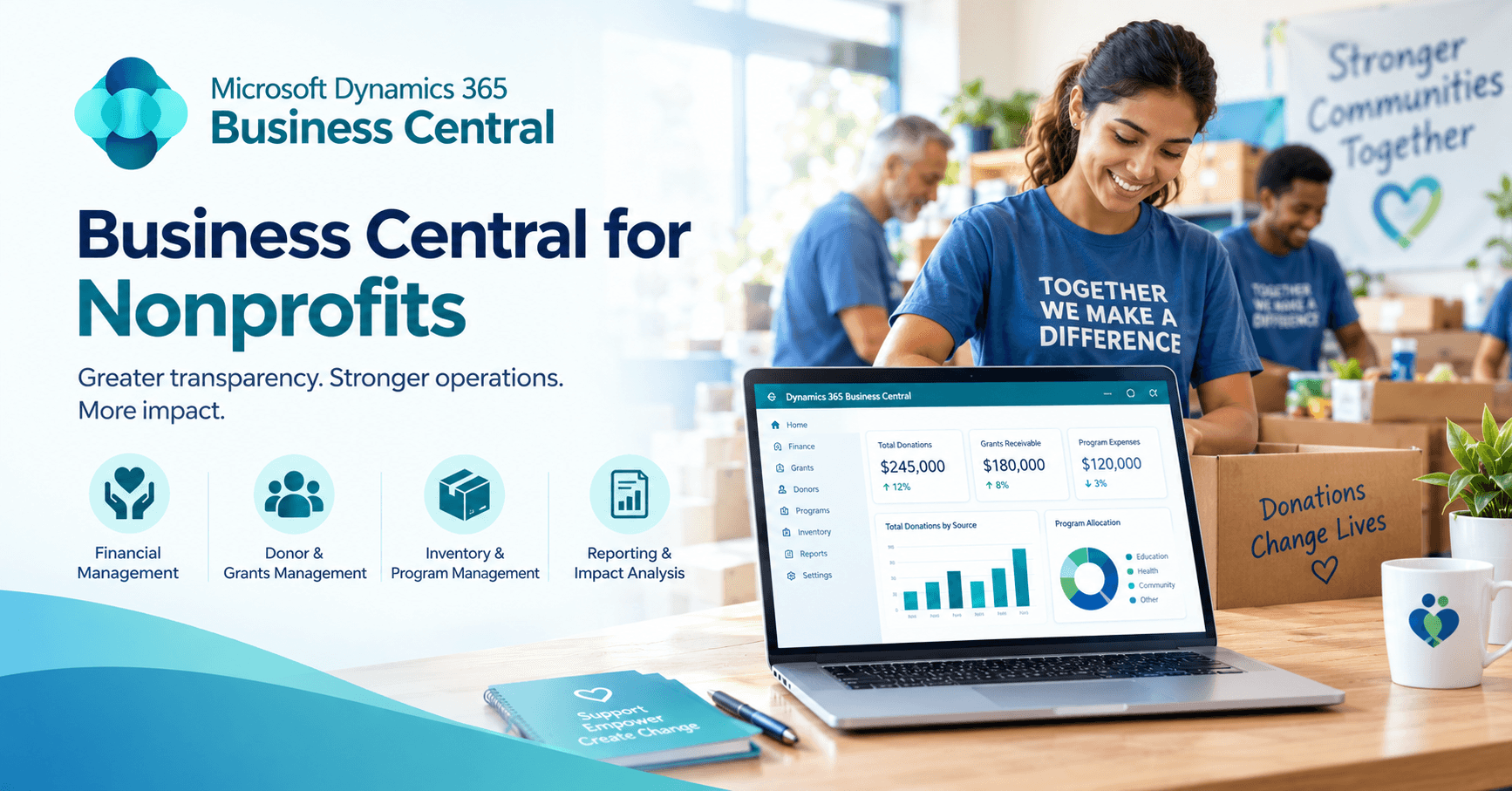
Nonprofit finance teams must accurately and up-to-date track restricted funds, grants, programme costs, and budgets, while being audit-ready. Business Central for nonprofits centralizes these processes in a single ERP environment, which ties transactions to the proper fund or programme with dimensions, project accounting, budgeting and reporting.
The test is whether Business Central will address the organisation's specific funding and reporting needs.
What Is Business Central for Nonprofits?
Business Central for nonprofits is Microsoft Dynamics 365 Business Central set up for fund, grant and programme reporting. It is a general-purpose ERP system, rather than a fund-accounting system, suitable for small to mid-sized organisations and for organisations where the funding is expressed via dimensions, projects, budgets and workflows.
Microsoft developed a solid general ledger and was able to add project accounting, budgeting, approval workflows, purchasing, fixed assets, multi-currency, and Power BI around it. The non-profit shape is coloured by the shape configuration.
For a charity with just a few grants and a relatively simple fund structure, the standard product will be adequate. If you have a few restrictions to contend with and the additional layer of multiple allocation rules, it's only a matter of time before the add-on specialist is activated.
What Is Business Central Doing When It Comes to Fund Accounting and Restricted Funds?
Business Central handles fund accounting and restricted funds through dimensions that tag transactions with the fund, grant, programme, funder, department or fiscal year they relate to.
In addition to the ordinary account code, each transaction has additional tags (fund, grant, programme, funder, department, fiscal year) which are used to group posted transactions and report across journals, documents and budgets in Microsoft Learn.
The impact of a salary entry of $5,000 is seen. In a business environment, it is deposited in payroll, and that's all. In a configured nonprofit ledger, the same entry is also logged to the restricted fund that funded the entry, the programme that it benefited, and the timeframe that the entry is in.
Restricted and unrestricted funds are kept in separate structures, making it easy for a finance team to report on restricted balances or unrestricted spending when a trustee requests.
All of this will rely on discipline at the keyboard. If you accidentally put a cost on the wrong fund, the report will do the same.
In this regard, dimension structure should be rigorously designed before go-live, on a basis of the organisation's accounting policies rather than a template simply taken from another charity.
How To Track Grants in Business Central?
Business Central tracks grants by assigning each grant as a project and using project accounting, dimensions and budgets to monitor spending against the grant.
Grant management is a pattern that grows from project accounting, dimensions and budgets and is not a feature with its own menu entry. Under the hood, the jobs functionality is used to track the expenses of long-running work and provide a plan.
Consider a $60,000 grant limited to training, equipment and approved travel (for illustrative purposes only). There are three budget lines to mirror those categories.
All purchases and expenditures are made against the grant project utilizing the correct dimensions, and the amount left in the project moves accordingly as purchases and expenditures are made. Timesheets or payroll feeding the system means that staff time also goes to the grants.
Programme managers and finance director view the same numbers.
The advantage is really in the timing. An overspend on travel is identified in month 4, when there is still time to correct it, rather than at the end of the grant. When a funder requests an interim position, it is found in live data.
What Type of Controls and Audit Support Does Business Central Offer?
Business Central supports nonprofit controls and audit requirements through approval workflows, transaction records, dimensions, permissions and project tracking.
Approval workflows are at the core. A purchase can be sent to a Programme Manager or the finance director before posting to a restricted fund, and thus where the compliance risk resides. It's tough to recoup the funds that have been used, and it is much cheaper at the front door to catch them.
The transactions are posted and record activity and the users doing the activity, providing an audit trail.
It's also important in this sector where accountability extends beyond the accuracy of the books and includes how donor and grant funds were spent. That evidence is fed by transaction records, dimensions, workflows, permissions and project tracking.
Although configuration alone does not guarantee compliance with all of the funder requirements, the organisation's own control requirements should be included in the implementation design from day one.
What Are the Advantages of Using Business Central for Nonprofit Financial Reporting?
The main advantage of using Business Central for nonprofit financial reporting is that fund, grant and programme reports are based on the same transaction data captured in the ERP.
Reports are based on the same set of data gathered at entry. The reporting layer uses a single source, rather than spreadsheets pieced together on a quarterly basis, because fund and programme tags are recorded as transactions .
Common reports include fund and programme reports, grant budget vs actual, departmental views and expense analysis. For controllers and auditors, Microsoft Learn includes documentation of built-in finance reports and consolidation features.
Power BI is on top of it. The finance team will be able to explore transactions and budgets, and trustees will be provided with a single-page view of programme spend, and both can both be drawn from the same records.
It's easy to let debates over which spreadsheet is correct get out of hand.
Besides Connecting to Microsoft Dynamics 365 CRM, What Else Does Business Central Connect To?
Business Central connects with CRM and fundraising platforms, purchasing, fixed assets, multi-currency and consolidation tools, as well as Power Automate for workflows and data movement.
The ledger is just half the story. Records of purchase contain details of the programme to which the purchase relates. Fixed asset records are used for equipment and vehicles acquired through grants and/or donors and typically benefit from depreciation treatment.
Multi-currency and consolidation tools are useful for organisations which run programmes in different countries or in different legal entities, albeit consolidation becomes more complex as financial statements become more different.
Donor relationships are not a part of a generic platform. Business Central integrates with CRM and fundraising platforms, including Dynamics 365 Sales, keeping donor data in one system and the financial record in another.
Workflows and Power Automate support the transfer of approvals, notifications and data between the two, but some of that automation might require additional licensing and/or integration efforts.
Does a Nonprofit Need an Extension for Fund Accounting?
A nonprofit does not always need an extension for fund accounting in Business Central. Native functionality covers many small and mid-sized requirements, and the strain appears as complexity builds: a long list of restricted funds, cross-programme allocations, heavy grant reporting, government-funded compliance, multi-entity structures, specialised fund-accounting rules.
Partners and independent software vendors sell extensions for deeper fund accounting, automated allocations, nonprofit reporting and multi-entity management.
They are third-party products, so capability, effort and cost differ from vendor to vendor. Requirements come first; the extension decision follows.
What Are the Limitations of Business Central for Nonprofits?
The main limitation of Business Central for nonprofits is that it is a general-purpose ERP rather than a specialised fund-accounting system.
Highly specialised funding, allocation or compliance needs may call for extra configuration or third-party functionality. Organisations with complicated grant structures may find that some processes stay manual.
Five things show where the risk sits: how complex the fund structure is, how many grants and funders are involved, how costs are allocated, how demanding grant compliance gets, and how many legal entities exist.
Weighing those before choosing an architecture avoids an expensive correction later.
What Should Nonprofits Settle Before Implementation?
Before implementing Business Central, nonprofits should settle their chart of accounts and dimensions, user training, extension requirements and licensing.
Four decisions repay early attention.
The chart of accounts and dimensions come first. They should mirror the real funds, programmes, grants and departments, and settling them before go-live limits restructuring afterwards.
People come second. Dimension-based reporting is only as reliable as the staff entering transactions, so training on coding belongs before go-live.
Extensions follow, because gaps are cheapest to find during planning.
Licensing closes the list. Eligibility and pricing for nonprofit programmes vary with organisation type, location, size and structure, so confirmation should come straight from Microsoft or an authorised partner.
Is Business Central a Good ERP for Nonprofits?
Business Central can be a strong ERP for small and mid-sized nonprofits that need centralised finance, grant tracking, project accounting and reporting in one place.
Flexibility is the draw. Dimensions, projects, budgets, workflows and reports bend around the organisation's own financial model.
Straightforward fund and grant structures are often covered natively, while more demanding setups pair the platform with extensions or complementary systems.
Fit is the real question.
A sound evaluation lays current financial and grant processes next to the platform's capabilities: fund and grant structures, restricted and unrestricted funding, cost allocation, grant budget tracking, board and funder reporting, audit needs, entities and currencies, procurement, assets, CRM links and any extension requirement.
The output is a plain picture of what works natively, what needs configuration and what needs an add-on.
Frequently Asked Questions
What is Business Central for nonprofits?
Business Central for nonprofits is Microsoft Dynamics 365 Business Central configured for fund, grant and programme accounting. As a general-purpose ERP, it relies on dimensions, project accounting, budgets, workflows and reporting to meet nonprofit needs.
Can Business Central handle fund accounting?
Yes, Business Central can handle fund accounting through dimensions that tag transactions with the relevant fund, grant, programme, funder, department or fiscal year. Very specialised rules may need a nonprofit extension.
How does Business Central track restricted funds?
Business Central tracks restricted funds through a purpose-built chart of accounts and dimension structure. This ties restricted income and spending to the right fund, grant or programme, while unrestricted activity sits in its own structure.
Does Business Central have grant management?
Business Central supports grant management through projects, budgets, dimensions and actual costs rather than through a separate grant management feature. Each grant becomes a project, and spending can be tracked against the award.
Does a nonprofit need an extension for Business Central?
Not every nonprofit needs a Business Central extension for fund accounting. Many small and mid-sized nonprofits manage on native functionality, whereas complex allocations, extensive grant reporting, strict funder compliance or multi-entity structures often justify a third-party extension.
Can Business Central integrate with donor management systems?
Yes, Business Central can integrate with CRM and fundraising platforms, including Dynamics 365 Sales. Donor data stays in a dedicated system while Business Central holds the financial and operational record.
Is Business Central suitable for multi-entity nonprofits?
Yes, Business Central supports multiple currencies and consolidated reporting across legal entities. The level of consolidation effort depends on how closely the entities' charts of accounts align.
Need Help Evaluating Business Central for Your Nonprofit?
Choosing the right ERP setup depends on your fund structure, grant requirements, reporting needs, and existing systems. Business Central partner can assess your requirements, recommend the right configuration, and identify where integrations or nonprofit-specific extensions may be needed.
Talk to Business Central partner today to discuss your nonprofit’s requirements and plan the right implementation approach.