Microsoft Dynamics GP has supported many businesses across finance, operations, stock, and reporting for several years. It was a dependable accounting system for organisations across the world. Its modules helped firms manage daily tasks, close books, handle payroll, control purchasing, and track basic stock activity. Dynamics GP users know its comfort, its familiarity, and its long history inside Microsoft’s product family.
The world of ERP has changed, and Microsoft has placed all future investment into Dynamics 365 Business Central, which runs through a cloud-based foundation and carries far richer functions, smoother integration, stronger automation, and flexible scalability. Although Dynamics GP continues to function, its development path remains restricted.
Many Dynamics GP users feel gaps in reporting, workflow, integration, stock visibility, project tracking, and automation.
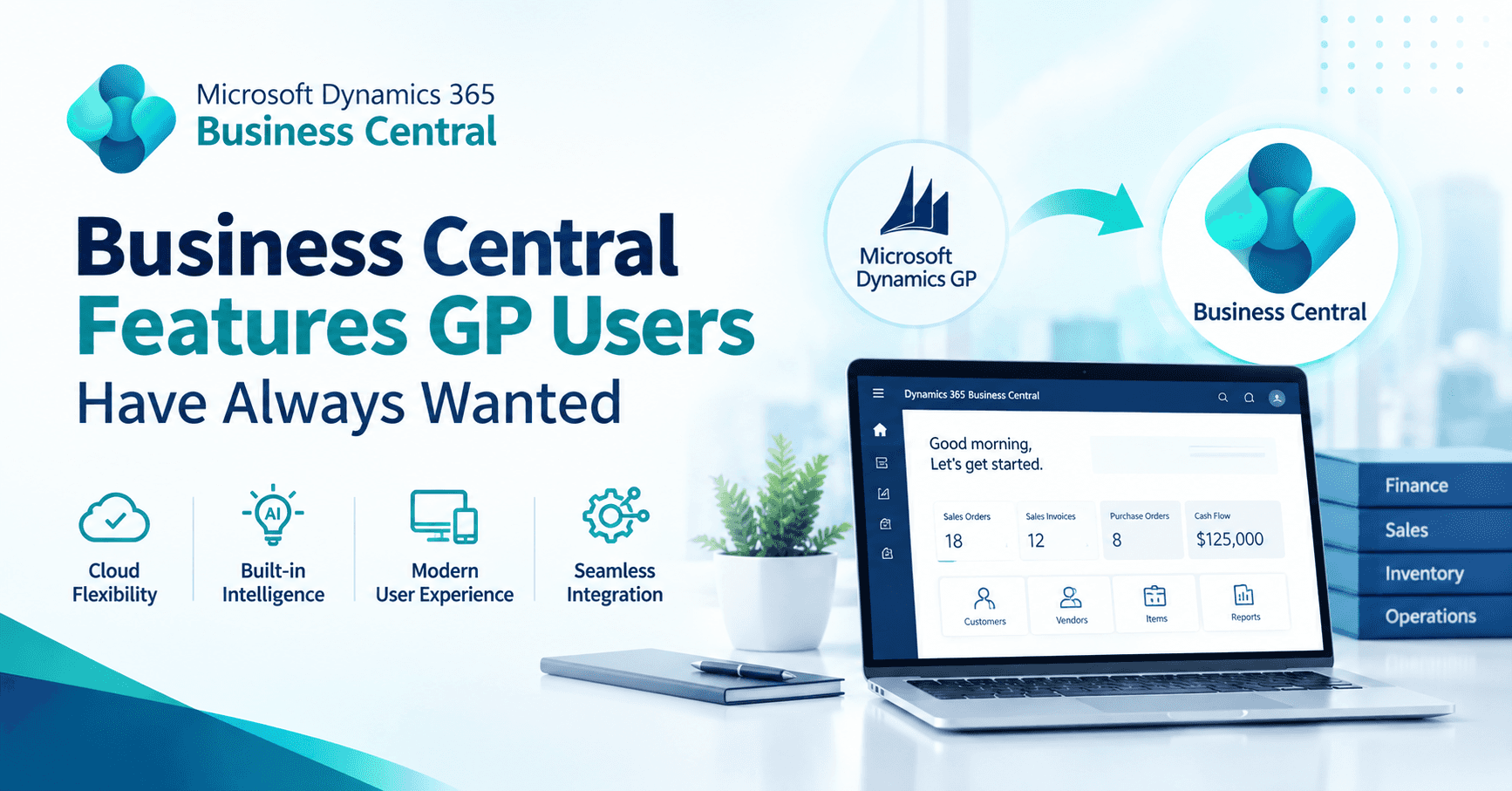
Dynamics 365 Business Central offers a wide set of features that Dynamics GP users always wished they had. These features help firms build clearer financial control, complete visibility, better planning, easier audits, stronger operational flow, and a more connected business structure.
This guide explains these features in a simple way so GP users and business leaders can understand how Dynamics 365 Business Central supports a smoother journey.
Why Do Dynamics GP Users Look for Something Stronger?
Dynamics GP was built for a different period, when on-premises systems carried the weight of daily operations. It lacks the deep connection to the Microsoft cloud world, the flexible workflow engine, the built-in automation tools, and the modern reporting structure that Dynamics 365 Business Central offers.
Dynamics GP users often face several challenges:
- Limited visibility across modules without manual effort
- Difficult multi-company reporting
- Basic stock management with gaps in real-time insight
- Heavy dependence on custom code
- Frequent reliance on SQL queries or Excel exports
- Complex year-end processes
- Manual steps in financial consolidation
- Slow adaptation to changing business needs
- Limited integration with external platforms
These challenges create friction for growing firms. They increase manual work, stretch finance teams during busy cycles, and slow down operational decisions.
Dynamics 365 Business Central offers strong solutions for each of these pain points.
How Does Business Central Address the Gaps Dynamics GP Users Experience?
Below is a clear and simple look at the features that Dynamics 365 Business Central gives Dynamics GP users, many of which directly answer long-standing limitations.
1. Stronger Financial Management with Clear Visibility
Business Central expands financial control far beyond GP’s core capabilities. It gives finance teams complete visibility from income to expenses, journals to ledgers, and cost centres to dimensions.
Key benefits include:
A. Dimensions for Clean and Flexible Reporting
Dynamics GP users often build many segment codes to track departments, regions, projects, or profit areas. This makes the chart of accounts large and untidy. Microsoft Business Central introduces dimensions, which help users tag entries with flexible labels.
Examples include:
- Department
- Project
- Area
- Region
- Cost centre
Dimensions make reporting easier because firms create one clean chart of accounts and apply tags only where needed.
B. Real-Time Financial Insight
D365 Business Central carries built-in financial dashboards, profit charts, cash flow insights, aged debt snapshots, and cost analysis views. Dynamics GP users often export data into Excel to build these views, yet Business Central delivers them through simple screens.
C. Better Month-End and Year-End Experience
Month-end processes sit nicely inside Dynamics 365 Business Central because users can post adjustments, handle accruals, and run trial balances with less manual work. Year-end tasks are smoother as well because the system guides the user through closing steps with clarity.
2. Smoother Integration with the Microsoft Ecosystem
GP requires several add-ons or connectors to work with modern Microsoft tools. Business Central has tight integration built directly into the system.
This includes:
A. Excel Integration
Dynamics 365 Business Central lets users:
- Export any list to Excel
- Edit records inside Excel
- Publish updates back into Business Central
This small step helps finance and operations teams work faster.
B. Outlook Integration
Users can:
- Create quotes straight from emails
- Send invoices directly
- View customer balance and history inside Outlook
This connection helps customer-facing teams respond faster without switching screens.
C. Teams Integration
Dynamics 365 Business Central data can be shared through Microsoft Teams without extra setups. Staff can chat, discuss, and pull records straight into the conversation.
D. Power BI Integration
Power BI dashboards sit inside Dynamics 365 Business Central pages. Dynamics GP users often rely on separate tools or manual Excel reporting, yet Business Central solves this in a built-in way.
E. Power Automate Integration
Firms can automate tasks such as approvals, notifications, reminders, and document routing through the Microsoft Power Automate platform. Dynamics GP users often need custom scripts for such functions.
3. Rich Stock and Supply Chain Features
Dynamics GP carries basic stock capability, yet firms with warehousing or multi-location operations often feel its limitations. Business Central offers a far wider set of stock and supply chain functions.
A. Real-Time Stock Tracking Across Locations
Business Central shows stock levels across all locations. Users gain clarity around quantity, available to sell, on purchase order, on sales order, and reserved quantity.
B. Better Item Categories and Attributes
Users can group items into parents and subgroups, attach attributes such as colour, size, material, brand, or weight, and filter lists quickly.
C. Advanced Warehousing
For firms with busy warehouses, Business Central supports:
- Bins
- Zones
- Directed put away
- Directed pick
- Movement rules
- Handheld device support through extensions
D. Automated Replenishment
Users can set reorder points, lead times, safety stock levels, and planning parameters. Business Central can create purchase plans to support stock stability.
4. Better Order Processing and Customer Experience
Business Central helps sales teams act faster, approve orders quickly, and track customer activity with ease.
A. Fast Quote-to-Cash Cycle
Users can:
- Create quotes
- Convert them to orders
- Raise shipments
- Post invoices
All inside one smooth flow.
B. Customer Insights
Customer pages show sales history, overdue amounts, open quotes, open orders, and payment status. GP users often depend on reports for such clarity.
C. Pricing and Discount Flexibility
Business Central handles price lists, discount structures, promotional prices, and customer-specific prices with easy setup.
5. Project and Service Management Features Dynamics GP Users Always Asked For
Dynamics GP carries project accounting, yet many users experience gaps in tracking and reporting. Microsoft Dynamics 365 Business Central helps firms handle projects with far stronger tools.
A. Job Costing and Project Tracking
Business Central supports:
- Budget tracking
- Resource planning
- Job tasks
- Job journals
- Cost control
- WIP management
- Project billing
B. Service Management
Firms offering service contracts, repairs, or field support can use:
- Service orders
- Service items
- Contract tracking
- Warranty tracking
- Service history
GP users often look for such features in separate apps.
6. Workflow And Approval Tools Built into the System
Dynamics GP users commonly struggle with manual approvals or rely on email chains. Business Central fixes this by offering:
- Purchase approval workflows
- Sales approval workflows
- Journal approval workflows
- Document routing
- Budget approvals
Approvals flow through email or the Dynamics 365 Business Central interface, helping teams stay aligned without heavy manual work.
7. Better Audit Trails and Compliance Support
Business Central keeps a complete record of who changed what, when, and how. This supports internal audits, finance checks, and external regulatory reviews. Dynamics GP users often use SQL-level tools for such visibility, yet Business Central offers it directly in the interface.
8. Cloud-based Architecture Removes Infrastructure Burden
Many GP users rely on local servers, SQL database administrators, and heavy maintenance cycles. Dynamics 365 Business Central cloud removes this burden:
- Microsoft handles servers
- Microsoft handles backups
- Microsoft handles improvements
- Microsoft handles performance tuning
- Microsoft handles data centre security
This gives firms peace of mind and helps IT teams focus on higher-value work.
9. Regular Improvements That Address Modern Business Needs
Microsoft updates Business Central twice each year. These updates cover:
- User experience improvements
- Financial enhancements
- Stock and warehouse improvements
- Project and service features
- New automation tools
- Better Microsoft 365 connections
- AI-powered assistance through Copilot
Dynamics GP users often run on older versions due to upgrade cost and effort. Business Central Cloud solves that problem by offering updates with less disruption.
How Can Dynamics GP Users Move to Dynamics 365 Business Central?
Firms planning the shift should follow a structured path.
1. Assess Your Current GP Environment
This includes:
- GP modules in use
- Integrations
- Custom code
- Data quality
- Reports
- ISVs
This assessment helps shape a clean roadmap.
2. Decide Between a Fresh Start or a Full Migration
Some firms prefer a fresh setup where they move clean data into Dynamics 365 Business Central. Others prefer to migrate the full history.
Both paths work, depending on needs.
3. Map Key Business Processes
Firms should outline:
- Purchase flow
- Sales flow
- Stock flow
- Financial posting
- Approvals
- Reporting requirements
This mapping helps partners configure Business Central accurately.
4. Clean Your GP Data Before Moving
Removing unused items, inactive customers, old suppliers, and redundant codes helps create a cleaner Business Central environment.
5. Test Thoroughly
Testing helps confirm:
- VAT
- Posting groups
- User roles
- Workflows
- Stock movements
- Purchase orders
- Sales orders
- Financial posting
Teams grow confident as they test the system.
Closing Thoughts
Dynamics GP has served many firms with dedication and consistency. Yet its structure, upgrade path, integration ability, and long-term flexibility fall short of what modern firms require. Microsoft Dynamics 365 Business Central gives Dynamics GP users the features they always wished for, including stronger reporting, richer stock visibility, easier workflows, built-in automation, smoother integrations, and a cloud-based foundation.
A migration to Dynamics 365 Business Central helps firms build a more connected environment where finance, operations, stock, purchasing, sales, projects, and reporting work together without friction. With a clear plan, clean data, and support from an experienced partner, Dynamics GP users can embrace Business Central with confidence and enjoy a smoother, faster, and more insightful way of working.