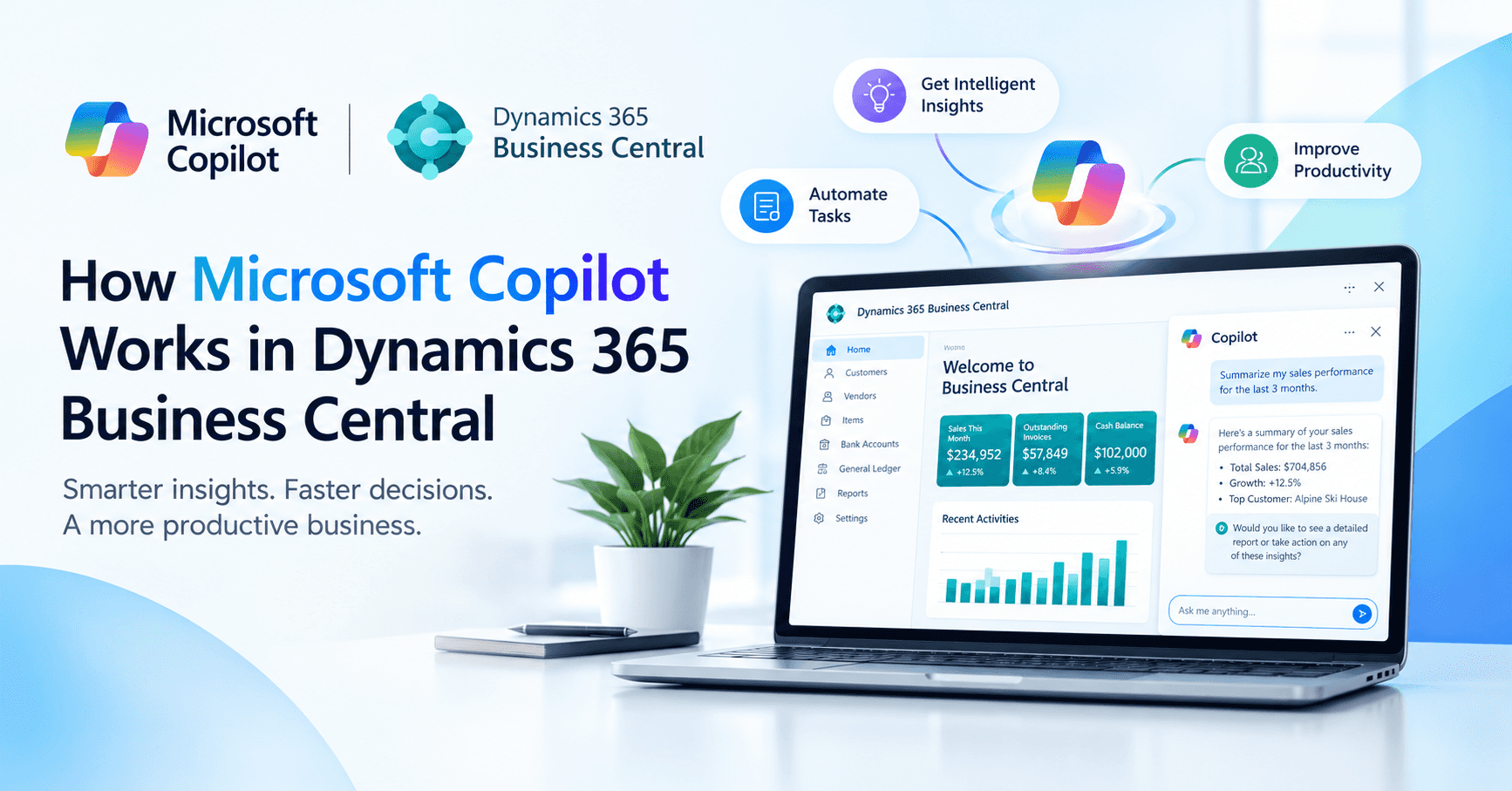
Business Central Copilot can support finance, sales, and operations teams by bringing AI-assisted capabilities directly into everyday ERP processes. For a business already using Business Central, the more useful question is where Copilot can create practical value.
A finance team may use it to speed up reconciliation. A sales team could use it to turn customer requests into quote lines. An operations team may find opportunities to reduce repetitive work across everyday ERP processes.
Understanding how Microsoft copilot works in dynamics 365 business central helps businesses identify those opportunities and choose the right approach for each process.
What Is Microsoft Copilot in Business Central?
Microsoft Copilot in Business Central is a collection of AI capabilities that helps users work with business information and complete supported tasks through language instructions and AI-generated suggestions.
Business Central manages the company's core operations, including finance, sales, purchasing, inventory, customers, vendors, and accounting records. Copilot adds AI-assisted ways to interact with those processes.
For example, a salesperson can use a supported Copilot capability to find a customer's open orders. Another user may use Copilot to turn information from a customer request into proposed sales lines.
Each capability serves a particular purpose, with its own data scope and availability.
Microsoft also offers Microsoft 365 Copilot for applications such as Teams and Excel. Copilot in Business Central operates within the Business Central environment, while Microsoft 365 Copilot serves the wider Microsoft 365 ecosystem. Microsoft currently documents no direct connection between the two.
How Does Copilot Work in Business Central?
The Business Central Copilot workflow starts with a user's request and ends with a suggested result that the user can review.
A typical interaction looks like this:
User request to Business Central context then AI processing and a generated result for user review
The request could be a natural-language question, a Copilot action selected from a Business Central page, or information such as an email or document, depending on the capability.
The relevant Copilot feature interprets what the user wants to accomplish. Business Central then provides the context required for that task, subject to the user's permissions.
The AI processes that information and produces an appropriate result. This is the basic workflow behind Copilot in Dynamics 365 Business Central: the user provides a request, Business Central supplies relevant context, and Copilot generates an AI-assisted result for review.
Depending on the feature, this could be a summary, proposed sales lines, product content, or suggested reconciliation matches.
A general-purpose chatbot has no built-in knowledge of a company's customer records, product catalogue, sales orders, or ledger entries. Copilot can work with the relevant business information available through Business Central for the capability being used.
That connection between AI and ERP context is what makes Microsoft Copilot in Business Central useful for everyday business processes.
What Can Copilot Do in Business Central?
The current capabilities of Copilot in Business Central cover information retrieval, analysis, content creation, data entry, sales assistance, and finance processes.
For a business evaluating the technology, looking at these capabilities through actual use cases gives a clearer picture of the potential value.
Help sales teams prepare quotes
Sales requests often arrive through emails, conversations, attachments, and free-text messages.
Sales line suggestions can turn supported customer information into proposed lines for a quote or sales order.
Item substitute suggestions can also help when a requested product is unavailable or discontinued.
For sales teams handling a high volume of enquiries, these capabilities can reduce manual data entry and give employees more time for customer-facing work.
Reduce manual finance work
Finance teams regularly deal with repetitive matching and reconciliation tasks.
Bank reconciliation assistance can suggest matches between bank statement lines and ledger entries. It can also suggest posting accounts for unmatched transactions.
E-document matching helps connect vendor e-invoices with purchase order lines and highlights exceptions.
The finance team can then focus its attention on transactions that require judgement while Copilot assists with routine matching.
Speed up product content
Product catalogues can contain hundreds or thousands of items, making content maintenance a repetitive responsibility.
Marketing text capabilities can draft item descriptions using attributes already stored in Business Central.
Autofill can suggest values while users create or edit records.
For companies managing large product ranges, these capabilities can reduce repetitive typing and drafting work.
Find and understand information faster
Copilot also helps users work with information already stored in Business Central.
Chat with Copilot can help users find relevant records through natural-language requests.
Summarise can condense information into key points, while Analysis Assist can help users organise lists into groupings, pivots, and totals.
For managers and employees who need quick answers, this can simplify everyday information retrieval and analysis.
Business Central also includes AI capabilities outside the Copilot family. Inventory forecasting, late payment prediction, and cash flow analysis use other machine-learning approaches.
Copilot Features in Dynamics 365 Business Central
Here is a practical overview of the main capabilities of copilot in business central:
|
Capability |
Business problem |
Example |
|
Chat with Copilot |
Finding information |
Locate a customer's open orders |
|
Summarise |
Reviewing information quickly |
Extract key points from a record |
|
Analysis Assist |
Analysing lists |
Group sales information |
|
Autofill |
Repetitive data entry |
Suggest record values |
|
Sales line suggestions |
Preparing sales documents |
Build proposed quote lines |
|
Item substitutes |
Product availability |
Find alternative products |
|
Marketing text |
Product content |
Draft item descriptions |
|
Bank reconciliation assist |
Transaction matching |
Suggest bank-to-ledger matches |
|
E-document matching |
AP processing |
Match vendor invoices |
|
Sales Order Agent |
Quote handling |
Process supported customer requests |
|
Payables Agent |
Invoice handling |
Prepare purchase invoice drafts |
Microsoft continues to expand the Copilot features in Dynamics 365 Business Central. Individual capabilities can have different regional, language, and release requirements.
For businesses evaluating Copilot, the specific capability and its availability matter more than the overall AI label.
Copilot vs Traditional Business Central Automation vs Agents
Businesses have several ways to improve repetitive processes, and each approach fits a different type of work.
Traditional automation works well for predictable processes governed by clear rules.
For example, a company can create an approval workflow for purchase orders above a specific threshold.
Copilot works well when employees need assistance with natural language, summarisation, drafting, analysis, or other tasks involving less-structured information.
Agents can work through defined, multi-step processes toward a particular goal.
|
Approach |
Best suited for |
Example |
|
Traditional automation |
Fixed, predictable rules |
Purchase approvals |
|
Copilot |
AI-assisted user work |
Summaries, analysis, sales suggestions |
|
Agents |
Defined multi-step processes |
Quote or invoice handling |
These approaches can work together within the same Business Central environment.
A company could use workflows for approval processes, Copilot for employee assistance, and agents for supported document-heavy processes.
The best choice comes down to the nature of the process.
How Do Microsoft Copilot Agents Work in Business Central?
Microsoft Copilot agents in Business Central are designed for more goal-oriented, multi-step work.
A conversational Copilot interaction starts with a user request. An agent can receive information, work through supported steps, and move a process toward a defined outcome.
That makes agents particularly relevant to workflows that begin with emails or documents.
Sales Order Agent
The Sales Order Agent works with customer requests received through a designated mailbox.
It can identify the customer, find requested products, check availability, and, where supported, calculate delivery information.
The agent can then prepare a sales quote for review. Where the workflow supports it, a confirmed quote can move forward into an order.
For a sales team receiving a high volume of enquiries, this creates a useful starting point. The agent can handle supported processing steps before an employee reviews the result.
Payables Agent
The Payables Agent focuses on supplier invoice processing.
It can monitor a designated mailbox, extract information from PDF invoices, identify the vendor, and prepare a purchase document draft.
A supervisor can then review the draft and finalise the invoice.
This is where agentic AI becomes particularly interesting for ERP environments. The agent participates in a defined business process instead of simply generating an answer to a question.
Microsoft provides specific limits and requirements for these agents, so businesses should evaluate the capabilities of each agent before incorporating one into an important operational workflow.
What Data Does Copilot Use in Business Central?
A natural question for any business considering AI in its ERP is:
What information can Copilot access?
The answer depends on the specific capability.
Copilot uses the Business Central information required for its task and available through the user's permissions.
Customer, vendor, item, financial, and operational records can provide context where the relevant Copilot feature requires them.
Different capabilities can also use different sources. Depending on the feature, these may include Microsoft Learn documentation, installed application documentation, or supported web grounding.
For businesses, permissions and configuration therefore form an important part of a Copilot rollout.
Is Microsoft Copilot in Business Central Secure?
Microsoft states that Copilot operates within the relevant Business Central permissions and that customer data is not used to train Azure OpenAI foundation models without explicit permission.
For a business implementing Copilot, governance covers more than the underlying technology.
Administrators need to determine access levels, enabled capabilities, agent supervisors, and review requirements for AI-generated results.
This becomes especially important when Copilot enters finance, purchasing, or other processes with financial and operational consequences.
What Are the Limitations of Copilot in Business Central?
Copilot works best when the underlying business environment is ready for it.
Data quality matters. Product descriptions, categories, customer information, and other records can influence the quality of AI-assisted results.
Feature availability also varies. Individual capabilities can have different regional and language requirements, and some features may remain in preview.
Deployment is another consideration. Microsoft currently supports Copilot for Business Central online, with on-premises and private-cloud environments outside the supported deployment model.
Customisations can influence compatibility as well. Some capabilities support customised pages and tables, while others have more specific requirements.
AI-generated results also require appropriate review. A suggested reconciliation match, invoice detail, or sales line still benefits from employee judgement before it affects a business process.
These factors make process assessment an important part of implementing Copilot successfully.
What Should a Business Consider Before Implementing Copilot?
The strongest starting point is the business process itself.
Look at the work consuming the most employee time.
Perhaps the finance team manually matches hundreds of transactions. Maybe salespeople transfer customer requests from emails into quotes. An AP team could be handling a large volume of supplier invoices manually. Managers may spend too much time searching through ERP records for routine information.
Those situations provide a much clearer starting point than simply looking through a list of AI features.
Next, assess the Business Central environment.
This assessment also helps businesses determine where Copilot for Dynamics 365 Business Central can create measurable value across existing workflows.
Consider the quality of customer, vendor, and item data. Review existing workflows and integrations. Look at customisations. Define user permissions. Decide which steps need approval.
Then assess these steps:
Traditional automation: predictable work with clear rules.
Copilot: employee-facing work involving natural language, drafting, analysis, or information retrieval.
Agents: defined multi-step processes involving supported inputs and actions.
Microsoft's guidance also highlights data quality, configuration, permissions, process design, and capability availability as important considerations when planning a rollout.
That process-first approach gives a business a much clearer path toward practical AI adoption.
Frequently Asked Questions
What can Copilot do in Business Central?
Copilot can help users find and summarise information, analyse lists, suggest data values, create product content, assist with sales documents, and support finance processes such as reconciliation and e-document matching.
Is Copilot included with Business Central?
Microsoft currently states that Copilot capabilities in Business Central are included with the Business Central license, subject to applicable usage policies. Agents use Copilot Credits and require the appropriate billing setup.
Can Copilot agents automate Business Central processes?
Supported agents can assist with defined multi-step processes such as customer quote requests and vendor invoice processing. Their available actions, permissions, and processing limits depend on the individual agent.
What is the difference between Copilot and Business Central automation?
Traditional automation handles predictable processes through predefined rules. Copilot assists users with AI-supported tasks such as analysis, summaries, and content generation. Agents handle certain multi-step processes toward a defined goal.
Is Copilot available for on-premises Business Central?
Microsoft currently supports Copilot for Business Central online. On-premises and private-cloud deployments fall outside the current supported Copilot deployment model.
Conclusion
The value of Copilot in Business Central comes from practical process improvement.
A finance team may benefit from faster reconciliation. Sales teams can streamline quote preparation. Accounts payable teams can reduce repetitive invoice processing. Managers can find and understand ERP information faster.
For businesses considering and wondering on How Microsoft Copilot Works in Dynamics 365 Business Central, the next step is to assess the existing processes, data, integrations, and configuration.
Business Central partner can help identify where conventional automation, Copilot, or agents can create the strongest operational value and plan the rollout around the company's actual requirements.