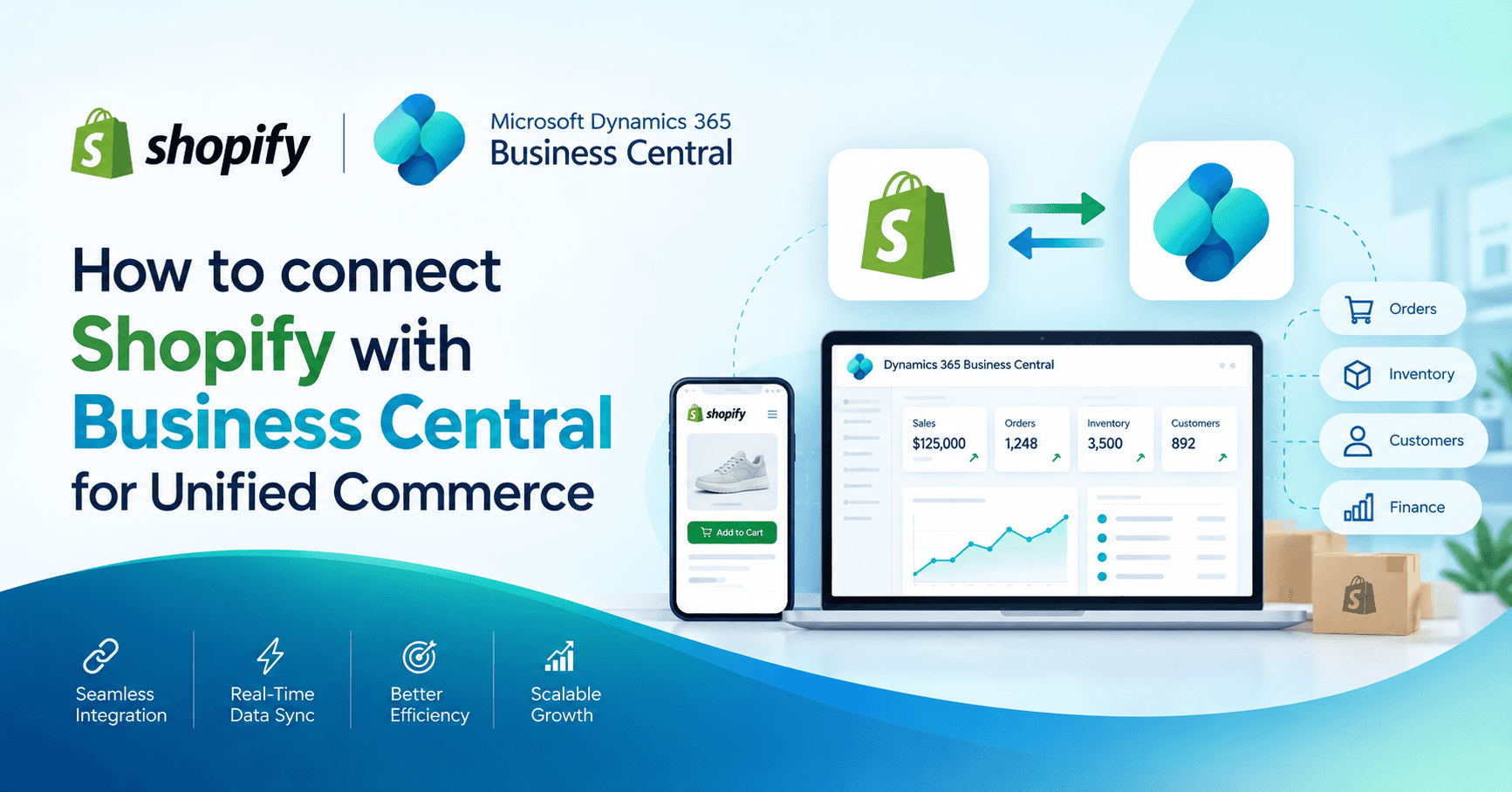
Shopify with Business Central delivers a seamless operational experience. Let’s find out how.
Online selling has changed how small and mid-sized firms run their stores, manage stock, serve customers, and handle fulfilment. Many retailers use Shopify as their ecommerce engine, while Dynamics 365 Business Central supports finance, stock, supply chain, and order processing. When these two platforms work in separate silos, gaps appear across stock accuracy, order flow, customer service, financial reporting, and fulfilment timelines.
A well-planned Shopify Business Central integration helps firms run both sides of their business from one source of truth. Orders reach D365 Business Central as soon as customers place them, stock stays accurate across all touchpoints, accounting stays aligned, and teams gain a stable view of daily operations.
This guide explains how Shopify and Business Central can work as a unified engine. The entire explanation stays simple and grounded so readers without technical experience can follow each point with ease.
Why firms connect Shopify and Business Central?
Many retailers run Shopify for their online store due to its simplicity, wide theme library, app ecosystem, and smooth checkout experience. At the same time, Business Central supports financials, stock, purchasing, sales, warehousing, reporting, and supply chain cycles. When these two platforms operate together, firms gain a single hub across online selling and back-office activity.
Common benefits include:
- Accurate Shopify stock sync Business Central
- Real time order sync Shopify to Business Central
- Unified product catalog management
- Faster fulfilment with fewer manual steps
- Instant financial posting for each order
- Stronger reporting across channels
- Less manual data work for staff
- Better customer satisfaction due to clear order timelines
This integration forms a strong base for growth because the firm gains predictable order flow, accurate stock data, and smoother planning.
Key elements of a Shopify Business Central Integration
A unified Shopify Business Central setup usually focuses on five core areas. These include products, stock, pricing, orders, and customers. Each area must stay aligned across both platforms for daily operations to run smoothly.
1. Product data flow
The integration can push product details from Business Central to Shopify or from Shopify to Business Central. Most firms prefer Business Central as the master source because finance, purchasing, and stock are managed there. Product attributes such as descriptions, item codes, barcodes, pricing, and images can move from one platform to another.
This helps keep the entire store consistent. Staff avoid retyping data, and product listings stay aligned with stock and accounting.
2. Stock sync
Stock accuracy forms the backbone of ecommerce success. When stock numbers differ between Shopify and Business Central, firms risk overselling or underselling. With a Shopify inventory sync Business Central setup, stock levels update each time items move through sales, returns, transfers, or purchase receipts.
This helps prevent customer frustration and supports smoother planning.
3. Order sync
A strong integration pushes orders from Shopify into Business Central without manual input. Customer details, shipping addresses, purchased items, tax amounts, discounts, and payment details move into Business Central instantly. Teams can pick, pack, and ship orders with clarity.
This step powers true unified commerce because the order journey stays connected from checkout to delivery.
4. Customer sync
Customer records from Shopify can move into Business Central to help build a complete customer database. Address details, contact info, and order history stay accessible for service teams. This improves communication and supports long term retention.
5. Financial posting
A Shopify order carries prices, discounts, VAT, shipping charges, and payment info. When these values move to Business Central automatically, the finance team gains immediate clarity. It becomes far easier to track revenue, reconcile payments, and close monthly books.
How to plan a Shopify Business Central Integration?
To achieve a smooth journey, firms should follow a clear plan. The steps below suit both small shops and growing stores with large volumes.
Step 1: Define integration goals
Each firm must outline what it wants from its integration. Goals may include:
- Accurate product sync
- Faster order flow
- Automated stock updates
- Financial clarity
- Better customer experience
- Easier daily operations
Clear goals help shape the project. They guide the type of connector or integration approach the firm selects.
Step 2: Choose between native apps and advanced connectors
Firms can connect Shopify and Business Central through:
- Official Microsoft certified connectors
- Third party integration apps
- Custom built API based integration
A certified Shopify Business Central connector usually works for most firms because it supports product sync, order sync, stock updates, and customer data. Larger firms with specialised needs might choose custom integration for granular control.
Step 3: Map products and variants
Product mapping helps the integration understand which Shopify items match Business Central items. Variant mapping is crucial for stores with size, colour, or style variations.
This part often includes:
- Item codes
- Variant codes
- Barcodes
- Unit price
- Weight
- Size
- Colour
- Tax group
- Posting groups
A clear mapping strategy helps reduce confusion once the integration goes live.
Step 4: Review stock locations
Many firms hold stock in more than one warehouse. Dynamics 365 Business Central supports multiple stock locations, and the integration can map one or several locations to Shopify. This ensures accurate Shopify inventory management with Business Central.
Step 5: Plan Order Workflows
Firms must decide how Shopify orders behave inside Business Central.
Questions include:
- Should orders land as sales orders or sales invoices
- Should payment apply automatically
- Should shipping charges post to a specific account
- Should Shopify discounts map to discount fields in Business Central
- Should the integration post VAT based on Shopify values
Each workflow shapes how the system behaves during daily sales.
Step 6: Manage shipping and fulfilment flow
A strong integration can push fulfilment details from Business Central to Shopify. Tracking numbers, carrier info, and shipping dates help customers stay informed.
Step 7: Test in a sandbox
Before going live, firms should test everything in a Business Central sandbox.
This includes:
- Test product sync
- Test stock updates
- Test Shopify order creation
- Test returns and cancellations
- Test financial posting
- Check customer creation
- Check VAT accuracy
- Check fulfilment flow
Testing helps build confidence, cut errors, and support smooth go live.
How Shopify and Business Central work together for unified commerce?
A unified setup helps retailers handle the full online to back-office journey in one flow.
1. Real time stock visibility
With a Shopify inventory integration Business Central setup, firms avoid overselling. Every online sale reduces stock inside Business Central instantly. Likewise, purchase receipts, transfers, or manual adjustments flow back to Shopify.
This helps create a stable customer experience because buyers see accurate stock at checkout.
2. Faster order processing
Orders move into Business Central as soon as customers place them. Warehouse teams can start picking and packing without delay. This cuts long fulfilment cycles and helps build customer trust.
3. Strong financial discipline
Each order comes with VAT, discounts, and payment status. When these values reach Business Central without manual entry, finance gains strong control over daily revenue tracking. Month end closing becomes easier because the system holds accurate data.
4. One source of truth
With unified data, leadership gains full visibility into online sales, stock availability, customer behaviour, and revenue trends. This helps support planning, budgeting, supplier orders, and marketing decisions.
5. Better customer service
Customer details from Shopify reach Business Central automatically. Service teams can view purchase history, order status, fulfilment details, and refund activity. This supports faster and clearer communication.
Common challenges and how to address them
Even with a strong connector, firms may face a few hurdles. Here is how to handle them with ease.
Challenge 1: Item Mismatches
Sometimes item codes or variants differ between Shopify and Business Central. This can cause errors in sync.
Solution
Create a clear mapping sheet and assign a single master source for item data.
Challenge 2: VAT Setup
VAT rules can differ across stores. Shopify may apply VAT differently from Business Central.
Solution
Align tax groups and check VAT posting setups before going live.
Challenge 3: Timing Of Stock Sync
Rapid selling stores with high order volume may need faster sync intervals.
Solution
Use integration settings that support short sync frequency windows to keep stock aligned.
Challenge 4: Duplicate Customers
If customers place orders with different email addresses, duplicates can occur.
Solution
Use matching rules based on email or phone where possible.
Best practices for a smooth integration journey
With the main steps covered, these practices help the link stay reliable every day:
1. Keep Business Central as the master data source
Most firms prefer Business Central as the master system for products, pricing, VAT, and stock. This keeps online and back-office data aligned.
2. Avoid Manual Overrides in Shopify
Manual edits in Shopify can create mismatches.
3. Maintain Clean Item Data
Clear naming, accurate codes, and tidy descriptions support clean sync.
4. Train staff
Teams must understand how orders flow, how stock syncs, and how to handle exceptions.
5. Monitor logs after go-live
Integration logs show sync issues. Early monitoring helps fix small issues before they grow.
Closing thoughts
A well-planned Shopify Business Central integration helps retailers build a unified commerce setup that supports stock accuracy, faster order flow, smooth fulfilment, stronger financial posting, and better customer experience. With clear goals, clean data, careful mapping, structured testing, and the right connector, firms can create a reliable foundation for online selling.
A connected Shopify Business Central setup gives teams clarity across online activity, daily sales, stock movements, supplier planning, and customer communication. The firm gains stronger visibility, faster execution, and a unified path for long term growth.