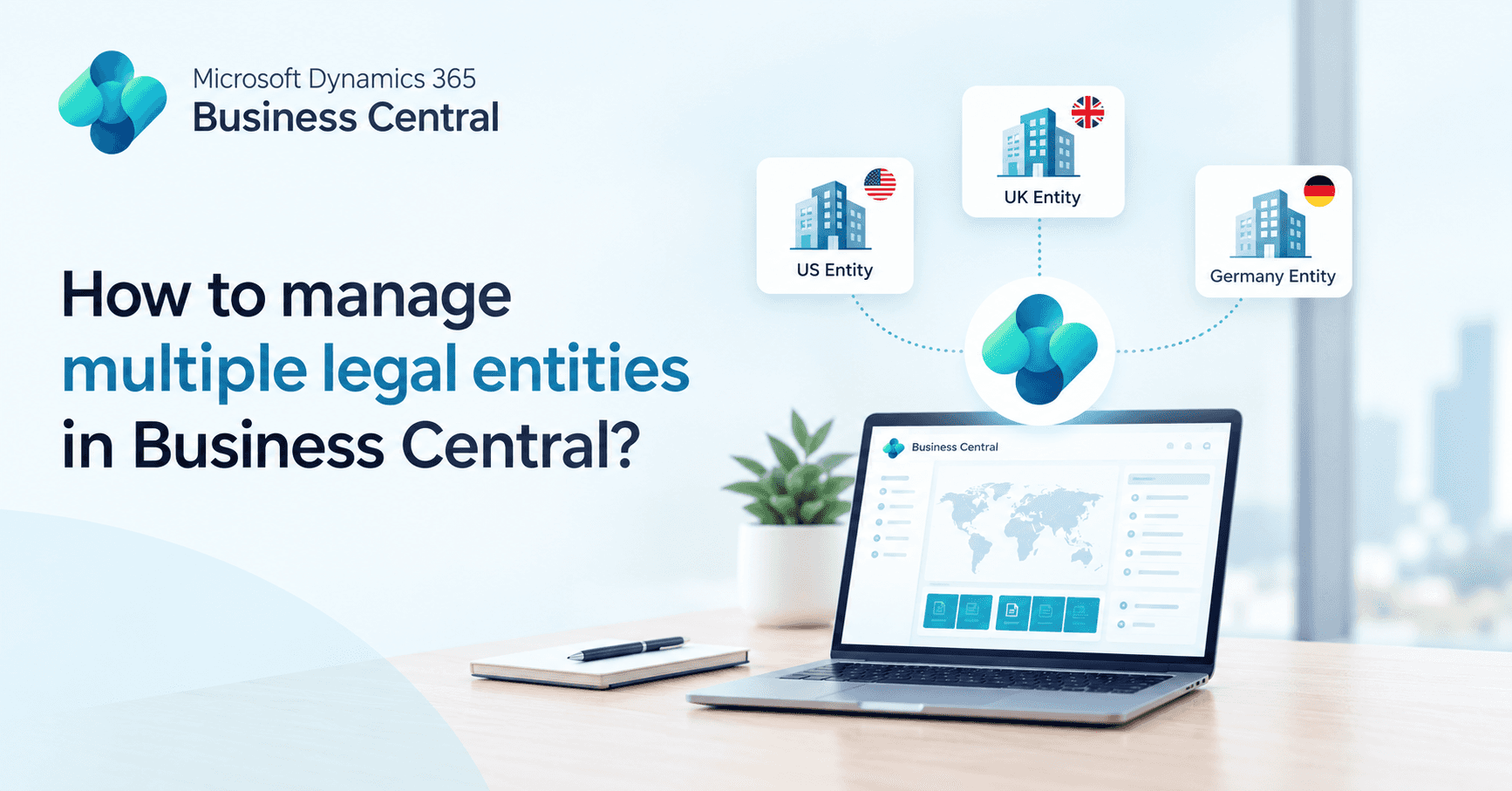
Business Central can run a group of legal entities in one system, and plenty of finance teams use it that way. Each company gets its own ledger, the companies can bill each other without anyone retyping invoices, and the results can be rolled up into group reports. These are three separate jobs. Setting up several companies doesn’t give you intercompany processing, and intercompany processing doesn’t give you consolidation. You configure each one on its own.
This guide goes through all three, then covers when one shared environment stops being the right answer and when it’s worth bringing in a partner.
What does managing multiple legal entities mean in Business Central?
It means keeping separate books for companies that are legally separate, while letting them trade with each other and report together.
A legal entity is an organization recognized as separate under the law, such as a US corporation or limited liability company (LLC). Depending on its structure and tax status, it may have its own bank accounts, tax registrations and reporting obligations, so it needs its own records.
Inside Business Central, the unit you work with is a “company,” and Microsoft is careful to say this is a data container, not a legal status. A company in the system might be a legal entity, or it might just be a division you want to keep apart. Nothing in the software checks which one it is, so that mapping is your decision.
Day to day, you’re dealing with three things. Each company holds its own general ledger, customers, vendors, items and transactions. Intercompany processing lets companies swap documents and journal entries when they trade with each other. Consolidation pulls the figures from several companies into group-level statements.
Can Business Central manage multiple legal entities?
Yes. A single environment can hold multiple companies, and users with the right licenses and permissions can switch between them. How people get access depends on licensing, the Microsoft Entra tenant and how you’ve designed the environment.
|
What you need |
What Business Central offers |
What you must set up |
|
Separate accounting records |
Multiple companies in one environment |
A chart of accounts, posting groups and number series for each company |
|
Intercompany transactions |
Intercompany partners, documents and journals |
Partner codes and account mappings for every company involved |
|
Consolidated reporting |
Consolidation using business units |
Consolidation setup, account mapping, and elimination of intercompany balances |
|
Statutory group accounts |
Financial data to feed the process |
Accounting policies, disclosures and compliance stay with your finance team and auditors |
The software gives you the pieces. Whether the result works depends on how carefully you configure it, so settle the company structure, the reporting requirements and who gets access to what before you build anything.
How do you set up and manage multiple companies in Business Central?
Start on paper. Work out the legal structure, what each entity must report, and what the group needs to see. Everything in the system follows from that.
Creating company records
You create a company from the Companies page with the Create New Company assisted setup guide, and you need the Super permission set to do it. You can start blank or copy an existing company. Microsoft specifically advises against using a company copy as a backup.
Pick your naming convention before anyone clicks Create. In Business Central online you cannot rename a company afterwards.
Each company also needs its own company information: legal name and address, applicable federal or state tax details, bank accounts, and the usual financial and operational settings.
Chart of accounts, dimensions and posting setup
Every company has its own general ledger. Many groups use the same chart of accounts everywhere, mainly because it makes consolidation and comparison far less painful. Dimensions like department, project or region work the same way, but you have to set them up in each company separately.
Posting groups decide which ledger accounts transactions land in. For US companies, sales tax areas, sales tax jurisdictions and sales tax groups must be configured where applicable; sales tax requirements vary by state and locality. You’ll also set up currencies and exchange rates, plus accounting periods and fiscal years, which matter if your entities don’t share a year-end. A common structure helps, though state, local and entity-specific requirements may require differences.
Users, permissions and segregation of duties
Permission sets control what each user can see and do, and you can apply them company by company. A finance director might need to see the whole group, while a purchasing clerk only needs to post in one company.
Separate the people who start payments from the people who approve them and the people who post entries. Revisit that whenever the group or anyone’s responsibilities change.
What to share, copy or keep separate
Reference data such as chart of accounts templates, payment terms and dimension definitions can be copied into a new company with the Copy Data from Company function in the configuration worksheet. It works between companies in the same database, with some table restrictions.
It’s a one-time copy. If you change a payment term in one company later, the others won’t follow unless you have a process or an extension that keeps them in step.
Customers, vendors, items and bank details tend to differ between entities anyway. One supplier can be a vendor in three of your companies with different payment terms and bank details in each. Decide the chart of accounts and dimensions early. Changing them once transactions are posted is a big job.
How does Business Central handle intercompany transactions?
Companies in the same group can send each other sales documents, purchase documents and general journal entries, so one side’s entry creates the other side’s record without anyone keying it in again.
It runs on intercompany partners. Each company gets a partner code, and the other companies set that partner up as a customer, a vendor or both. You can map accounts and dimensions to a shared intercompany chart of accounts, and match items when companies number them differently. All this lives in Intercompany Setup.
What can you process between companies?
A sales invoice in one company can arrive as a purchase invoice in another. Orders and credit memos can follow the same route. Management charges, recharges and loan interest go through intercompany general journals: you record them in one company and send them to the other for posting. It also works across parents, subsidiaries and sister companies once the relationships are set up.
Whatever you send lands in the receiving company’s intercompany inbox. Someone can review and accept it, or you can switch on automatic acceptance if you trust the flow.
An example:
Say two fictional companies share a group. Harwood Components, Inc. manufactures parts, and Harwood Distribution LLC sells them to customers. They’re in the same Business Central environment, with separate ledgers and their own applicable tax registrations.
- Harwood Components raises a sales invoice for 500 brackets to Harwood Distribution, which is set up as an intercompany customer.
- The invoice is posted and goes to Harwood Components’ intercompany outbox.
- It moves to Harwood Distribution’s intercompany inbox.
- A user at Harwood Distribution reviews it. Item references and account mappings translate it into that company’s own setup.
- Once accepted, Business Central creates a purchase invoice in Harwood Distribution’s books, and it’s posted the normal way.
Both sides now have matching records, showing up in receivables on one and payables on the other. Because the details were transferred, there’s less chance of a typo in the second company. Mismatches can still happen. Timing differences, exchange rates, disputed invoices and unposted transactions will all throw numbers out.
What intercompany processing doesn’t do
It records transactions. Bank settlements, amounts owed within the group and transfer pricing all need separate handling, sometimes with extra integrations or specialist tax advice. The tax treatment of intercompany transactions depends on the entities, jurisdictions and transaction types involved; consult qualified tax advisers.
Intercompany can also work between environments, through a connection that needs a Microsoft Entra app registration. Microsoft added this in 2023 release wave 2, so check the current documentation to see what your version supports.
How can Business Central support consolidated financial reporting?
Business Central combines data from several companies, called business units, into a separate consolidation company, and you run your group reports from that. The business units can sit in the same environment or in different ones. You can also import consolidation data from files, which means a subsidiary on another accounting system can still be included.
Setting up consolidation
If you wholly own every company you’re consolidating, the Company Consolidation assisted setup guide covers it. Partly owned subsidiaries or more complicated setups need advanced configuration, where you define each business unit individually.
Account mapping is the part that takes the most thought, because each business unit’s accounts must map to the right accounts in the consolidation company. After that you choose whether consolidation uses exchange rates from the business unit or from the consolidation company, and you deal with any differences in fiscal years, so the right periods are included. Business Central can also validate for differences between the business units and the consolidation company, before and after you consolidate.
Group reports
Once you’ve consolidated, the consolidation company’s ledger feeds the group profit and loss and balance sheet. The Consolidated Trial Balance report gives you a quick view of balances across companies. If you want something more specific, like a consolidated income statement by division, expect some report design work during implementation.
Eliminating intercompany balances
If you skip this, group revenue and expenses come out inflated. A sale in one company and the matching purchase in another shouldn’t show up in the consolidated statements as outside revenue and cost.
Business Central helps you identify and eliminate these, but the elimination entries themselves are manual. The cleaner your intercompany records are, the easier it is to spot the matching pairs.
Management reporting versus statutory accounts
For management reporting and group analysis, standard consolidation is a solid base. Statutory consolidated accounts usually need more: group accounting policies, goodwill and noncontrolling interests, foreign currency translation, statutory disclosures and adjustments for complicated ownership. Some groups add a specialist consolidation extension or reporting tool.
Business Central doesn’t guarantee compliance with every statutory or group accounting requirement. Your finance team and auditors decide the treatment and make sure the accounts meet the rules.
What are the main benefits of managing multiple entities in Business Central?
Mostly you get to stop reconciling separate systems by hand. Finance works from connected records, and with a decent setup, reporting is more consistent and intercompany work takes less effort.
|
Problem |
Business Central capability |
What changes |
|
Can’t see across the group |
Multiple companies, consolidation and group reports |
Entity and consolidated results in one place |
|
Reports don’t line up |
Shared chart of accounts and dimensions |
Companies are easier to compare |
|
Intercompany reconciliation by hand |
Intercompany partners, documents and journals |
Differences are quicker to find |
|
Entering the same transaction twice |
Intercompany document transfer |
Less retyping between companies |
|
Nobody owns a set of books |
Separate ledgers and permissions |
Each entity’s records have a clear owner |
|
Weak controls |
Permission sets, posting controls and ledger entries |
Transactions and user activity can be traced |
All this hinges on how well the initial setup was done and how consistent your accounting processes are. Business Central supplies the tools. Policies, review and controls are still your team’s work.
What challenges should businesses plan for?
The hard parts are mostly about the businesses, not the software.
Acquired companies often arrive with their own charts of accounts and accounting policies, and you must decide how those differences will show up in group reports. Master data is another common snag: duplicate customers and vendors, different item numbers and inconsistent naming all make intercompany work and reporting harder, so clean it before you migrate rather than after.
Reconciliation differences don’t go away. Timing, exchange rates, disputed invoices and unposted transactions will keep creating mismatches, so you still need a month-end reconciliation routine. Sales tax is a separate consideration because requirements vary by state and locality, and tax advisers should confirm how each entity’s obligations apply. Entities in different currencies need agreed exchange-rate sources and translation policies.
Permissions across several companies take design and regular review. Complex ownership, noncontrolling interests and statutory reporting may need specialist functionality. And historical data and integrations with banking, payroll, CRM and e-commerce systems can push out both timelines and cost.
A structured implementation deals with most of this. Discovery finds out how each entity works, design settles the architecture, and testing runs intercompany transactions and consolidation on realistic data. After go-live, governance decides who owns master data, period-end closing, permissions and changes to the group structure.
Is one Business Central environment suitable for every group?
No. One shared environment works well for groups with similar processes and reporting needs. Separate environments are the better choice if companies need different country or regional localizations, tighter data separation or independent operational control.
An environment is an isolated instance of Business Central, and it can hold multiple companies. Everyone who uses it must belong to the same Microsoft Entra tenant. Environments are also created for a particular country or region, which makes localization a major factor for groups operating across the US and other countries.
|
Factor |
One shared environment may suit |
Separate environments may suit |
|
Number and similarity of companies |
A few companies with similar processes |
Many companies with very different requirements |
|
Localization |
Companies use the same country/region localization |
Companies need different country/region localizations |
|
Data separation |
Group-wide access is fine |
Strict separation between entities or owners |
|
Operational dependencies |
Frequent trading and shared users |
Mostly independent operations |
|
Integrations and extensions |
Common applications and integrations |
Entity-specific applications or release schedules |
|
Reporting |
Consolidation can happen within one environment |
Reporting must combine several environments |
Intercompany and consolidation still work across environments, just with more configuration. If some entities aren’t wholly owned, check licensing and tenant arrangements with Microsoft or a licensing partner. The architecture should follow what the group needs operationally and for compliance, rather than forcing the group to fit it.
Frequently asked questions
Do I need a separate Business Central license for each company?
Not just because the companies exist separately. Licenses are generally assigned to users in the Microsoft Entra tenant, and a licensed user can reach companies in the relevant environments subject to their permissions and the licensing terms. Entities that aren’t wholly owned can raise extra questions, so confirm your arrangements with Microsoft or a licensing partner.
Can Business Central consolidate subsidiaries that use different currencies?
Yes. Each business unit can use exchange rates from either itself or the consolidation company, depending on your configuration. Agree your exchange-rate sources, translation methods and policy for exchange differences before you set up consolidation.
Can I consolidate companies that aren’t in Business Central?
Yes. Business Central can import consolidation data from files, so subsidiaries on other accounting systems can be included. The data needs to be in the required format and mapped to the right accounts in the consolidation company.
Can I copy an existing company to create a new one?
Yes, through the assisted setup guide, which also lets you create a blank company. A copy brings its data across, transactions included. For a clean start, create a blank company and copy over only the configuration data you want.
How does Business Central handle sales tax across multiple US companies?
Sales tax setup is configured for each company based on its obligations and the jurisdictions where it operates. Depending on the company’s activities, setup may include sales tax areas, jurisdictions, and customer or item tax groups. Requirements vary by state and locality, so confirm nexus, taxability and filing obligations with qualified tax advisers before configuring the system.
Does multi-entity consolidation need a third-party tool?
Not always. Standard consolidation covers a lot of management reporting, especially for wholly owned groups with similar charts of accounts. Partial ownership, complex eliminations or specialized statutory reporting may call for an extension or a dedicated reporting tool. A partner can tell you whether standard functionality will be enough.
How long does a multi-entity implementation take?
There’s no standard timeline. It depends on the number of companies, data migration, integrations, intercompany volumes and how complex the reporting is. A discovery exercise gives you what you need to estimate the timeline and see the risks.
When should you work with a Business Central implementation partner?
When the group is complicated enough that getting the design wrong would be expensive. Business central partner can lay out a multi-entity setup around your legal structure, accounting requirements and processes, and they earn their fee on intercompany relationships with several partners, multiple currencies and demanding consolidation.