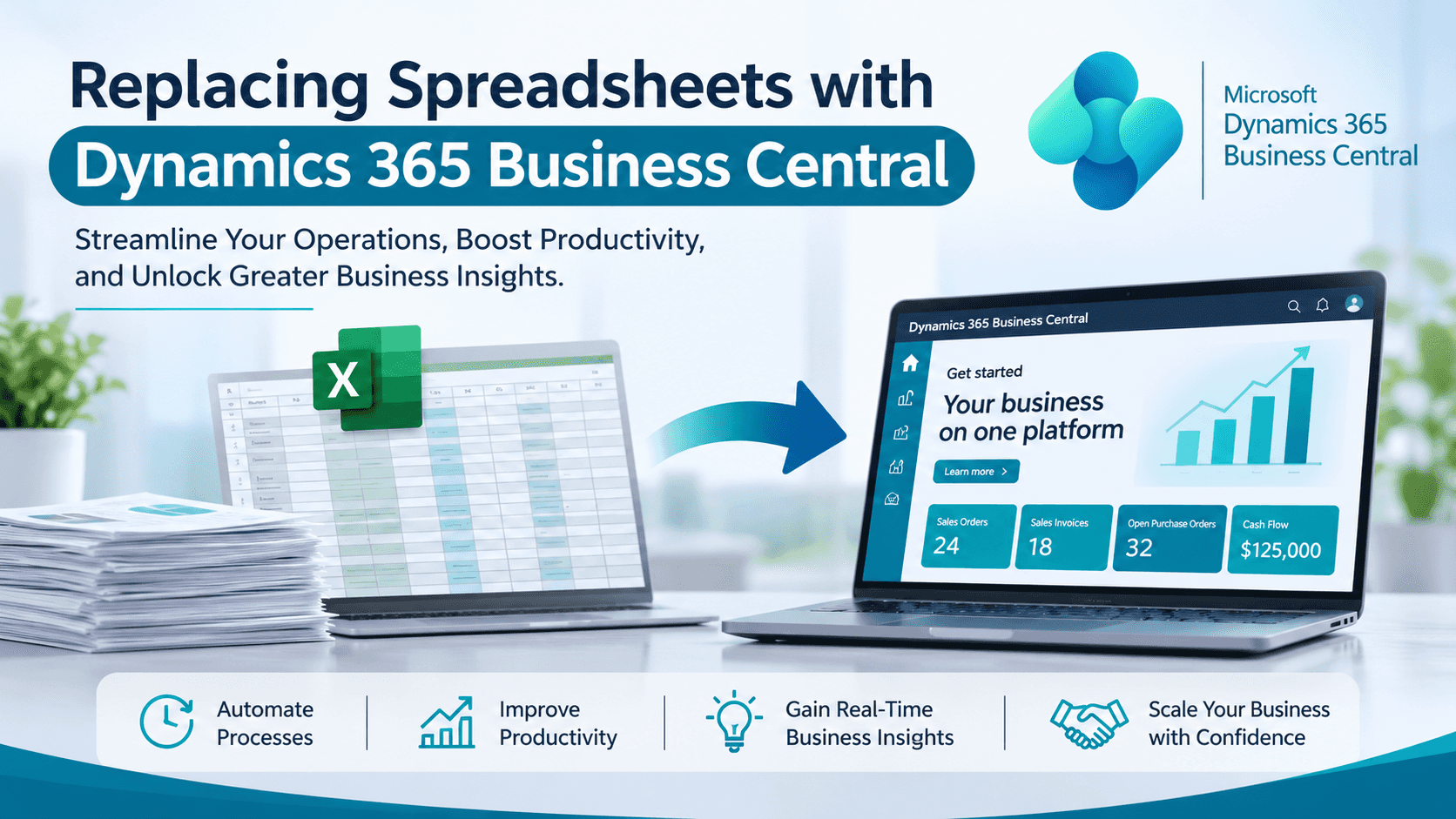
Most companies leave spreadsheets because the files drift out of agreement with each other. Stock lives in one workbook, open orders in another, the ledger in a third, and a big part of the week goes to working out which one is right. Microsoft Dynamics 365 Business Central is a cloud-based ERP that ties finance to sales, purchasing and inventory, and many businesses move to it at that point.
Excel stays in the picture. It simply leaves the role of recording orders, stock and ledger entries.
Why do businesses outgrow spreadsheets?
Spreadsheets excel at calculations, quick analysis and flexible reporting, and Microsoft 365 makes them easier to share. Trouble starts when a workbook becomes the system of record. Once enough people, entities and transactions pile into separate files, the files drift apart, however careful everyone is.
The signs are visible. Several copies of a file hold different numbers. One order gets retyped into the sales, purchasing and accounting files. Finance merges workbooks before anyone sees a result, and stock, open orders and cash flow sit in different places, so each team sees a slice. Approvals travel by email and are hard to trace afterwards, as are changes to a figure: who edited it, and why? Often one person understands the linked formulas, and the business quietly depends on that person staying put.
The cost shows up as slow decisions, fulfilment mistakes, shaky forecasts, hours of reconciliation and a month-end close that drags.
Picture a growing distributor running on workbooks for inventory, open sales orders, purchase orders and financial reports. A salesperson promises a delivery date based on yesterday’s stock file. Purchasing reorders late, working from a different file. Finance then spends days reconciling before it can report. Each file is accurate on its own; the files simply live apart from shared transactions.
What is Microsoft Dynamics 365 Business Central?
Business Central is a business management and ERP product that connects finance with sales, purchasing, inventory and other operations. Microsoft’s documentation describes it as covering business processes in industries such as wholesale and professional services.
For someone replacing spreadsheets, the useful pieces are these:
- Finance covers the general ledger, accounts payable and receivable, and financial reporting.
- Inventory offers item records, locations and warehouse functionality that runs from basic to advanced.
- Sales and purchasing handle quotes, orders, invoices, returns, and customer and vendor records.
- Dimensions let you tag postings to analyze by department, project, region or any categories you set up.
- Approval workflows cover records such as purchase documents.
- Microsoft 365 and Power BI integration lets you edit in Excel, share through Teams and report in Power BI.
Business Central delivers its best results after configuration, and several areas need manual setup. Advanced warehouse processes call for a deliberate location setup. Workflow events outside the default set may call for Power Automate, an AppSource extension or partner customization. Power BI requires a Power BI account, and licensing terms apply. Business Central replaces many applications and spreadsheets, while some others remain in use.
Why are businesses moving from spreadsheets to Business Central?
Shared records and transactions replace copied data and manual handoffs. Here is how that plays out, one spreadsheet problem at a time.
- One source for business data: Customer, vendor and item details get copied across files and slowly drift apart. In Business Central, they live in one place, and finance, sales and purchasing all transact against them.
- Take a sales order: A user creates it against a customer record, and depending on setup, availability can be checked against inventory. When the shipment and invoice are posted, Business Central creates inventory and ledger entries based on the posting configuration. Release, approval and shipping still depend on people doing their part and on how things are set up. The upshot: teams answer questions from the records and settle on one current version.
- Less retyping and reconciling: When the same information is keyed several times and then checked by hand, errors are close to guaranteed. In Business Central, documents move through defined steps; purchase items can be added from sales documents, and Excel handles bulk changes. You end up with less retyping and fewer cross-checks. The amount of automation depends on process design, configuration, integrations and permissions, so some manual work and review remain.
- Financial visibility: Reports built by merging files arrive late and hide detail. In Business Central, financial reporting ties to ledger postings, and dimensions add detail to those postings. Budget-to-actual comparisons are available, figures trace back to the entries underneath, and reports export to Excel. Managers can look at performance by department, location or product straight away. Dimensions benefit from design up front, and someone still reviews the numbers.
- Inventory, sales and purchasing in one place: When stock, orders and purchasing decisions live in separate workbooks, each team sees its own slice. Business Central’s inventory records, sales orders, purchase orders and locations share transaction data, and warehouse functionality can be configured for bins, picks and put-aways. For the distributor above, that means stock, demand and incoming supply in one view. The benefit grows with the number of products, locations and suppliers.
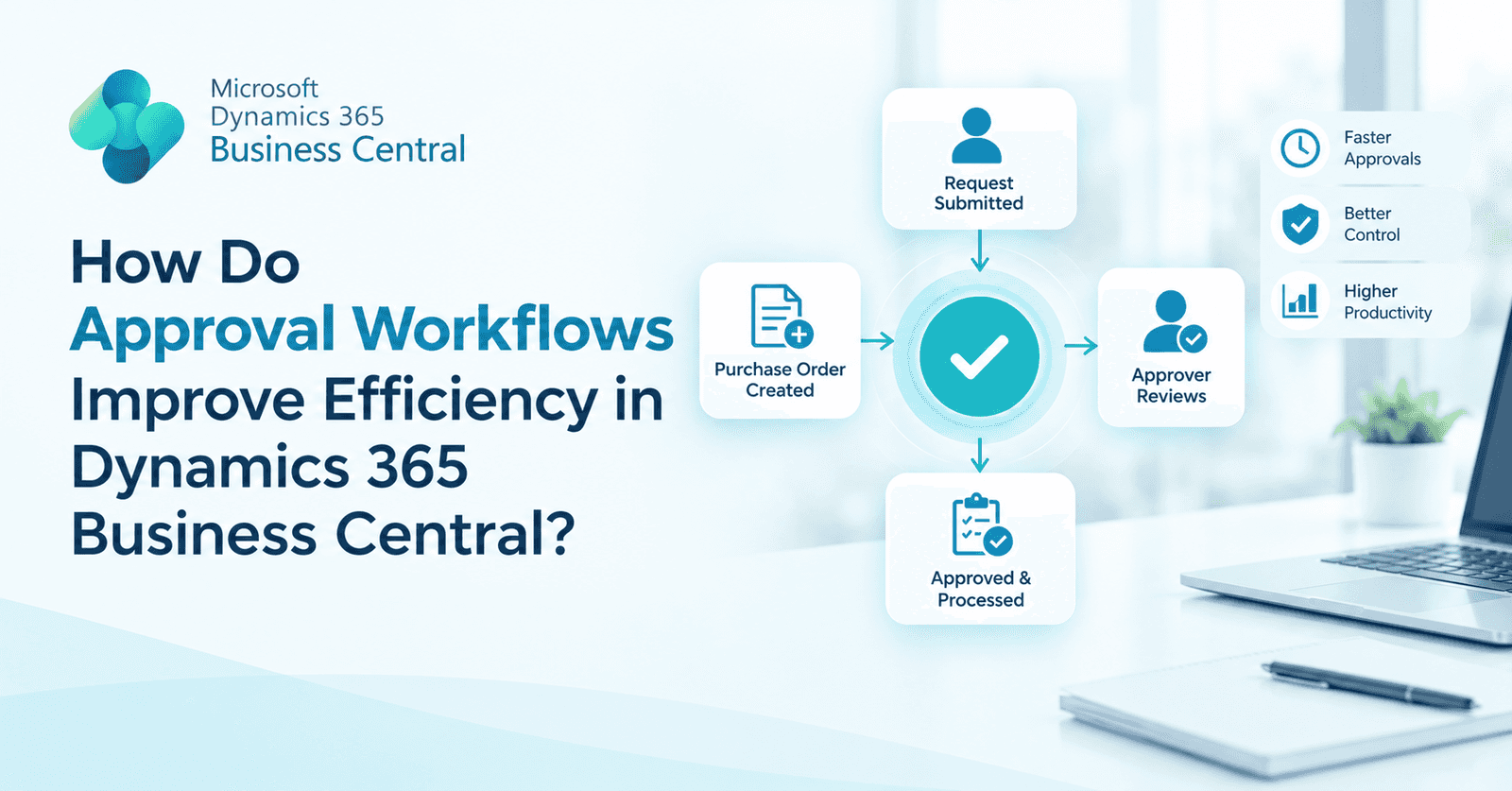
- Approvals that leave a trail: Email approvals leave a scattered record. Business Central workflows can be configured for purchase and sales documents, payment journals, customer and item cards, and changes to fields such as sales prices. Approvers and amount limits are defined in setup, and a record stays locked while approval is pending. That gives you a consistent, visible process backed by permissions and transaction history. It supports controls, while compliance and fraud prevention remain the job of people and policies.
- Room to grow: Every new user, location or entity multiplies the files someone has to maintain. Business Central supports multiple locations and can consolidate general ledger entries across companies, with intercompany elimination entries posted separately. Extensions and integrations add more. Growth goes hand in hand with governance and training.
Spreadsheets vs. Business Central: key differences
Spreadsheets are strong at analysis and flexibility. Business Central is built to manage transactions. Day to day, the difference looks like this:
|
Area |
Spreadsheet-based processes |
Dynamics 365 Business Central |
|
Data management |
Separate files, often with duplicated records |
Shared customer, vendor and item records |
|
Financial reporting |
Flexible, usually assembled by consolidating files |
Reports tied to ledger postings, with dimensions |
|
Inventory visibility |
As current as the last file update |
Inventory tied to sales and purchase transactions |
|
Workflow automation |
Possible with formulas, macros or Power Automate, built case by case |
Configurable approvals and document workflows |
|
Cross-department coordination |
Shared editing helps while the files stay separate |
Teams transact against the same records |
|
Transaction traceability |
Depends on file discipline |
Posted entries trace back to source documents |
|
Scalability |
Complexity grows with each file and user |
Designed to support more users, locations and volume |
When should a business replace spreadsheet-based processes?
Consider it when keeping the spreadsheets alive costs more time or risk than the processes are worth. A few signs:
- Teams regularly reconcile numbers by hand.
- Finance spends large amounts of time consolidating reports.
- Inventory discrepancies affect purchasing or fulfilment.
- Sales, purchasing and finance keep separate versions of the same information.
- Month-end closing needs extensive manual adjustments.
- Management receives inconsistent operational and financial information.
- Key processes depend on complex workbooks or on specific people.
Make the decision by weighing process complexity, business risk, transaction volumes, integration needs, reporting requirements and what your current workflows cost you.
What to think about before moving to Business Central
A good transition depends on process design, data preparation, testing and whether people use the system. Selective migration beats importing every workbook as-is.
Start by documenting which spreadsheets drive core transactions, then decide what data moves and which records stay behind. Clean the customer, vendor and item data first. Microsoft offers Excel-based configuration packages (RapidStart) for the move and recommends going one table at a time. Map your workflows to standard functionality before adding custom changes, and check what is already connected and what needs add-ons. Train people and manage the change, because adoption decides whether the system becomes the source of truth. Agree on goals, timelines and targets before you begin.
Some spreadsheets stay for analysis, forecasting and short-term data jobs. The aim is to rely on Business Central for core transactions.
Is Business Central the right alternative for your business?
It suits growing businesses that need linked financial and operational processes. If your needs centre on simple bookkeeping, spreadsheets or basic accounting software may serve you better, and some businesses add specialist software on top of Business Central. The fit depends on industry needs, process complexity, licensing, implementation size, and integration needs.
Frequently Asked Questions
Can Business Central work alongside Excel?
Yes. You can edit in Excel and export reports to Excel, so teams keep using it for analysis and bulk edits while transactions stay in Business Central.
How is data usually moved from spreadsheets into Business Central?
Microsoft documents Excel-based configuration packages (RapidStart) for moving data such as customers, vendors and items, and recommends one table at a time so dependencies get handled. Review data quality and field mapping first.
What setup and licensing does Power BI reporting involve?
Business Central Online already enables Power BI integration, and users need a Power BI account. Business Central users get a free Power BI license covering the most common features. Installing the Business Central apps from AppSource requires Power BI Pro, so confirm the license terms for your users.
Which approval workflows work with standard setup?
Core approval workflows for purchase documents, sales documents, payment journals, customer cards and item cards come as starting templates. Events outside the default set may call for Power Automate, an AppSource app or partner customization.
Who uses Business Central besides businesses replacing another ERP?
Businesses moving from spreadsheets or basic accounting software use it too, with implementation scope, data preparation and configuration needs varying by company.
Next steps
If your team spends more time reconciling files than using what’s in them, get an assessment.
Contact Business Central Partners to review your spreadsheet-based processes, work out which Business Central capabilities fit, and put together a proper implementation plan.